
Lots of people wonder what is CNC technology because they see parts that all look the same, down to the tiniest detail.
I remember going into a small bike shop years ago. I pointed at some shiny bike frames and asked, “How do you get them all to match?” The worker just smiled and pointed at a big machine. That was my first time seeing a CNC mill.
After that, I worked with the manufacturing floor. I stood right there with owners, designers, and people buying these parts. I asked tons of questions, even simple ones. That’s how I learned, and why you can trust me to keep this easy.
If you want a clear way to get what CNC means, you’re in the right place. I’ll tell you what CNC stands for, how it cuts metal and plastic, and why so many people from business owners to designers to folks doing personal projects count on it.
By the end, you’ll have a simple way to understand what CNC technology is, so you can talk about it without feeling lost.
Let’s get started!
1. What is CNC Technology?
Have you ever wondered how factories make the same part over and over without messing up?
That’s where CNC technology comes in. CNC stands for Computer Numerical Control. It means a computer controls the machines that cut, drill, or shape metal and other materials.
Years ago, one of my clients used manual machines. Operators did everything by hand—turning knobs, setting angles, eyeballing cuts. Some days it worked. Some days it didn’t.
Then they switched to CNC.
Things changed fast.
CNC machines follow a digital program. You feed it a design file, and the machine does the rest. It moves exactly where it needs to go, every single time.
Here’s what CNC machines can do:
- Cut metal, plastic, or wood
- Drill precise holes
- Create identical parts—thousands of times
- Work 24/7 with little supervision
If you’re in manufacturing, you’ve probably heard about CNC. But do you know how it really works—or why it matters?
2. Advantages of Using CNC Technology
Most people come to me after something goes wrong, poor part fit, missed deadlines, or inconsistent quality from their current supplier. That’s when CNC becomes more than just a buzzword. It becomes a smart move.
Here’s what CNC technology can offer you—and how I’ve used it to help clients just like you.
Repeatability You Can Count On
One of the biggest frustrations I hear from factory owners is part inconsistency. The first few look fine, but by part 10 or 100, things start shifting.
With CNC, every part is made using the exact same digital instructions. There’s no guessing, no “eyeballing,” and no drifting off-spec.
That means:
- No more checking every piece
- Less scrap
- Better assembly outcomes
When your parts arrive, they just work—batch after batch.
Faster Turnaround Times
Manual machining takes time. You wait for tool changes, operator setup, and human fatigue.
CNC machines don’t get tired. Once I’ve programmed your part, the machine can run non-stop—even overnight if needed.
I’ve had clients come in needing fast turnaround for a show or urgent shipment. Because of CNC, I was able to run those jobs after-hours and deliver the next day.
Speed matters. CNC gives you that edge.
Consistent Accuracy with Tight Tolerances
Some projects can handle loose tolerances. Others can’t. If your parts need to fit into an assembly, a tiny difference can cause huge problems.
CNC machines hit tolerances down to 0.01mm or better, depending on the setup. That level of control means:
- Better fit
- Less rework
- Fewer surprises during final assembly
MachMaster has customers across industries who rely on their precision. From setup support to dependable CNC systems, they help teams stay efficient and production-ready, day or night.
3. Key Parts of CNC Technology
You don’t need to be an expert to understand the basics. But if you’re thinking about using CNC machining for your parts, it helps to know what’s under the hood.
I’ll break it down for you, just like I do with new clients who want to understand how we get from design to finished part. Here are the key parts:
Controller (The Brain)
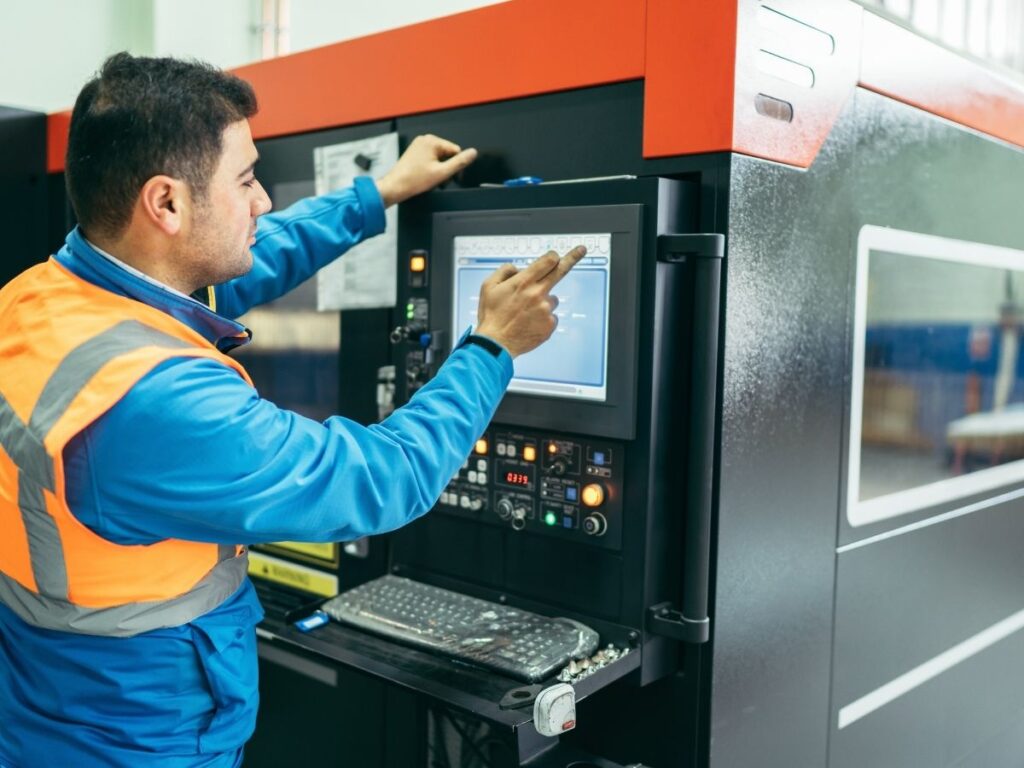
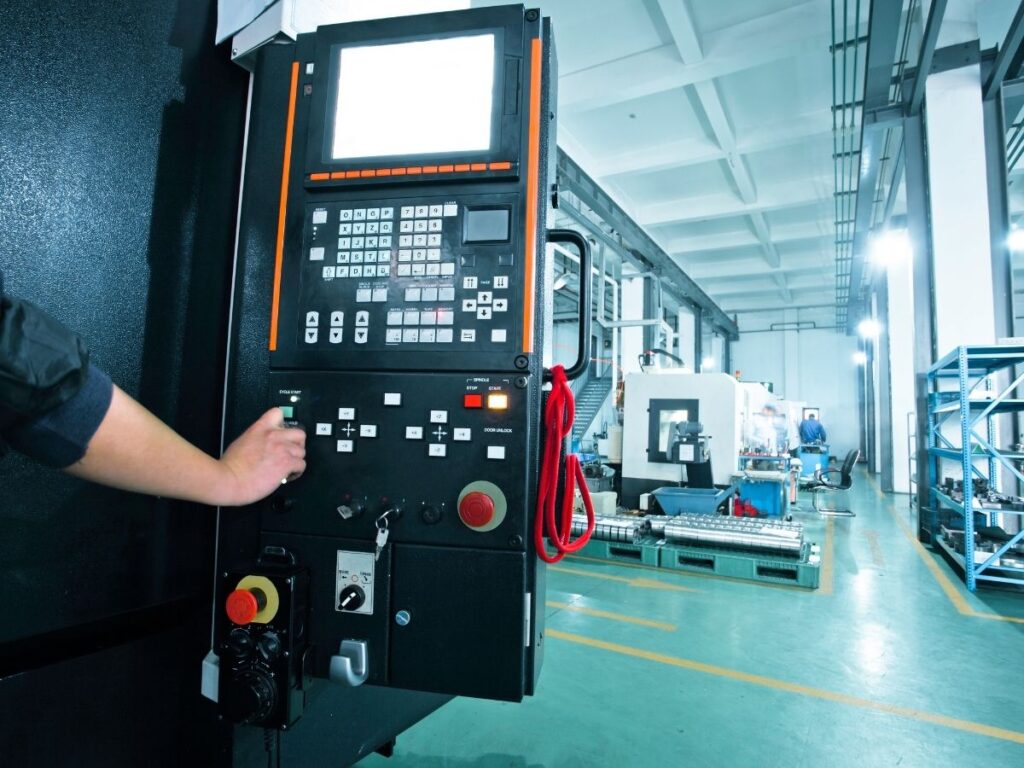
This is where everything starts. The CNC controller is a computer that reads the code (usually G-code) and tells the machine what to do.
Think of it like a GPS giving step-by-step directions.
It controls:
- Tool movement
- Cutting speed
- Spindle rotation
- Tool changes
The controller turns your design into real-world actions. Without it, the machine is just a hunk of metal.
Machine Frame (The Body)
The frame holds the entire structure together. It needs to be strong and stable so the machine doesn’t move or vibrate during cutting.
Most of the machines I use have cast iron or steel frames because they absorb vibration. That matters when cutting metal—tiny shifts can cause big problems.
A solid frame = better accuracy.
Spindle (The Muscle)
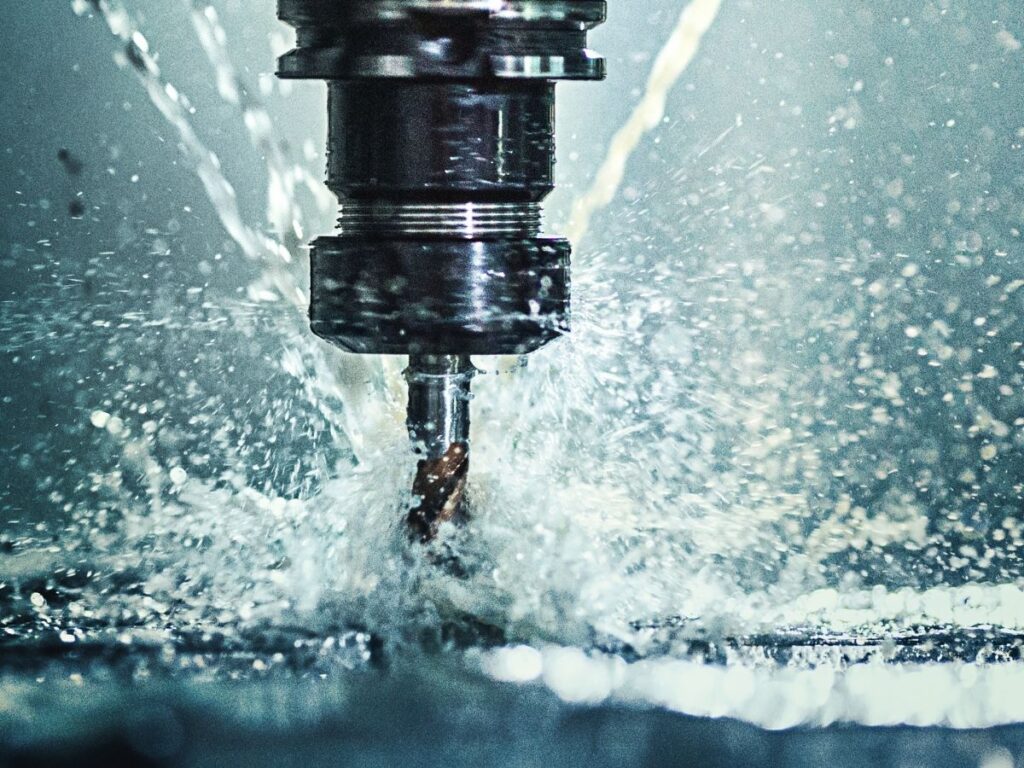
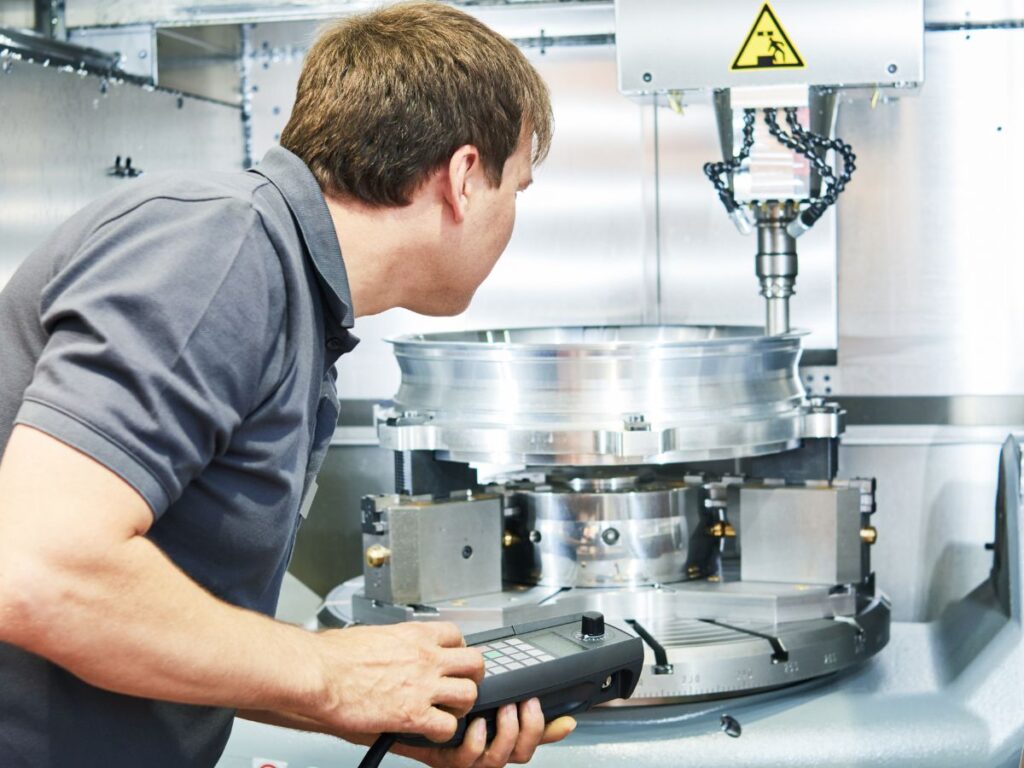
The spindle is the part that spins the cutting tool. It’s powered by a motor and rotates at high speeds to cut or shape material.
Different jobs need different spindle speeds. When I cut aluminum, I run it faster. When I cut stainless steel, I slow it down to avoid tool wear.
Spindle speed and power decide what materials your shop can handle—wood, plastic, aluminum, steel, or titanium.
Axes and Drive System (The Movers)
CNC machines move in axes—usually X, Y, and Z.
- X-axis: left to right
- Y-axis: front to back
- Z-axis: up and down
Some machines add more axes (like A or B) for rotation, which helps with complex 3D parts.
The drive system (motors, ball screws, and linear guides) moves the cutting tool exactly where it needs to go. No guessing. Just precise motion—every time.
Tool Changer (The Assistant)
Most CNC machines have automatic tool changers (ATC). This lets the machine switch tools without stopping.
It’s like having an assistant who always hands over the right tool at the right time.
This speeds up production, especially for complex jobs with multiple cuts.
Understanding these components helps you know what to expect—and what questions to ask your CNC supplier.
4. Step-by-Step Process on How CNC Technology Works
A lot of clients ask me, “So, how exactly does CNC machining work from start to finish?”
The process might seem complex at first but once you break it down, it’s just a series of steps that turn your idea into a finished part. Here are the steps I follow in the manufacturing floor every single day:
Step#1 Design the Part (CAD)
It all starts with your idea.
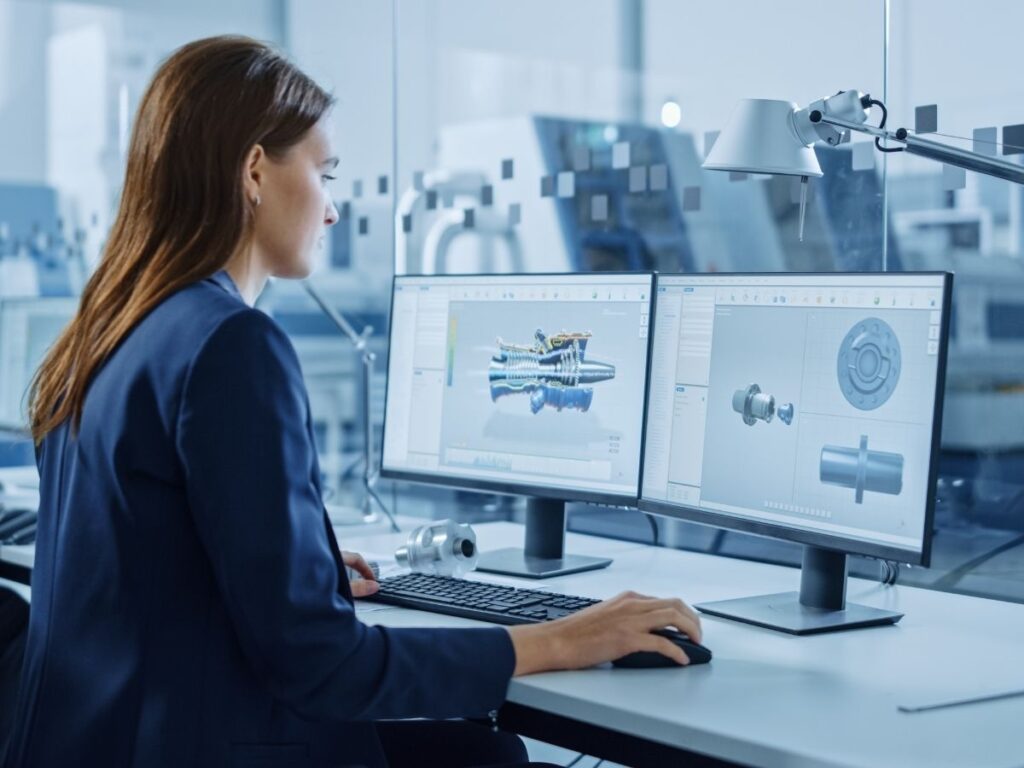
The part gets created using CAD software (Computer-Aided Design). You or your engineer might send me a file like .STEP or .IGES. That’s the blueprint.
This file shows the size, shape, and features—everything the machine needs to know.
Tip: If you’re not sure if your design is machinable, I can help review and adjust it for manufacturing.
Step#2 Convert to Machine Code (CAM)
Next, the CAD file goes into CAM software (Computer-Aided Manufacturing). This is where I generate the actual tool paths—the instructions the CNC machine will follow.
This creates G-code, which tells the machine:
- What tool to use
- Where to move
- How fast to cut
- How deep to cut
This step is critical. Bad code = bad parts. I always check the code using a simulation before running anything live.
Step#3 Set Up the Machine
Once the code is ready, I prep the machine.
That means:
- Mounting the right tools
- Loading the material (metal, plastic, etc.)
- Securing everything with clamps or fixtures
- Setting zero points (so the machine knows where to start)
A strong setup saves time and avoids costly mistakes. I learned that the hard way after an early job where the part slipped during cutting. Never again.
Step#4 Run the Program (Machining Begins)
Now the machine gets to work.
It follows the G-code line by line, moving the tool across the material to cut, drill, mill, or shape the part.
This can take minutes or hours depending on the complexity. During the process, I monitor everything to make sure the coolant is flowing, tools are sharp, and the machine is running smooth.
Step#5 Inspect the Part
Once machining is done, I take the part out and inspect it.
I check:
- Dimensions
- Surface finish
- Tolerances
- Fit (if it’s part of an assembly)
For jobs that require it, I also provide a quality report or inspection sheet.
One time, a client needed parts that fit inside a medical device. We ran full inspections and spot-checked each piece. The result? Zero rejections.
Step#6 Clean, Finish, and Ship
Finally, the part gets cleaned and finished. That might mean:
- Deburring sharp edges
- Sanding or polishing
- Anodizing or coating (if needed)
Then it gets packed and shipped—on time and ready to use.
In my experience, even when everything seems perfect, small variances can sneak in. Inspection confirms whether the part matches the design and helps identify if a program tweak is needed before the next run.
Did you know that at MachMaster, every step is taken seriously? Each part is checked for consistency and precision because they know quality isn’t optional, it’s expected.
5. CNC Technology vs Traditional Manufacturing
CNC technology didn’t make manual methods obsolete—but it did change the game. If you’re comparing the two, it’s not just about which one is better. It’s about knowing which one fits your current needs—and future goals.
Let’s break down the differences across the key areas that matter most in real-world operations:
| Aspect | CNC Technology | Manual Milling Machine | Manual Lathe | Drill Press |
| Precision | High. Holds tight tolerances with software-controlled accuracy. | Moderate. Accuracy depends on operator skill and hand adjustments. | Moderate. Achieves round part accuracy but requires careful manual control. | Low to moderate. Limited to vertical drilling with basic depth control. |
| Repeatability | Excellent. Parts can be reproduced identically across batches. | Low. Small variations common due to manual repositioning. | Low. Consistency relies heavily on operator feel and technique. | Very low. Not designed for multi-part precision work. |
| Labor Involvement | Low once set up. One operator can run multiple machines. | High. Operator must adjust feed rates, clamps, and measure after each cut. | High. Requires continuous monitoring and manual tool advancement. | Low during drilling, but setup and part positioning must be checked manually. |
| Speed | High for volume runs and multi-tool processes. | Slow for complex cuts; must reposition and change tools manually. | Slow. Only one axis at a time; tool changes done manually. | Fast for simple holes but lacks versatility. |
| Setup Time | Higher initially. Requires CAD/CAM programming and calibration. | Shorter setup for simple parts but longer for complex geometries. | Fast for basic turning but time-consuming for complex part profiles. | Very short setup, but limited to basic vertical drilling. |
| Flexibility | High. Easily change part designs by updating code. | Moderate. Can handle a range of cuts with operator skill and fixturing. | Moderate. Can turn different shapes with skill and accessories. | Low. Limited to one type of operation (drilling). |
| Toolpath Control | Fully automated. Executes complex paths with precision. | Manual control of X, Y, and Z axes. Operator adjusts during cutting. | Manual control of longitudinal and cross feed. No automation. | Single downward movement only. No toolpath flexibility. |
| Material Waste | Low. Fewer errors, optimized cuts via software. | Higher. More scrap from trial-and-error and setup mistakes. | Higher. Mistakes are more likely, especially in multi-step operations. | Moderate. Wasted material if hole location or depth is off. |
| Skill Requirements | Digital literacy in CAD/CAM and understanding machine setup. | Requires hands-on machining knowledge and experience. | Requires strong turning skills, good hand-eye coordination. | Basic mechanical skill. Often used for training or light-duty work. |
| Initial Equipment Cost | High. CNC machines, controllers, software, and training. | Moderate. Manual mills are more affordable, but may need accessories. | Moderate. Manual lathes are accessible but vary in size and price. | Low. Drill presses are inexpensive and widely available. |
| Cost Over Time | Lower at scale. Reduced labor and consistent quality reduce long-term expense. | Higher. Labor-intensive and more prone to error-related waste. | Higher. Slower process and higher operator cost per part. | Low for light use; not cost-effective for anything beyond simple holes. |
| Best Fit For | Mid- to high-volume runs, precision components, prototyping, complex geometries. | Custom one-off parts, job shops with experienced operators. | Cylindrical parts, shafts, bushings, or thread cutting. | Basic holes in sheet metal, wood, or soft materials. |
CNC technology provides consistent, scalable results that support complex geometries and volume production.
That said, manual milling, lathe, and drill press still serve a role—especially for repair work, one-off parts, or operations with limited budgets. Understanding their capabilities helps determine where CNC is essential and where manual methods still add value.
6. Challenges and Limitations of CNC Technology
CNC machining solves a lot of problems but it’s not perfect. I always tell clients the truth upfront. CNC is powerful, but it’s not always the best fit for every part, budget, or timeline. The key is knowing what it can do and what it can’t.
Here are the main challenges I’ve seen firsthand while running CNC jobs for different industries:
Higher Setup Costs for Small Runs
If you’re only making one or two pieces, CNC might feel expensive.
Why?
Because each job requires:
- Programming
- Tool setup
- Machine setup
- Test runs
These steps take time. And whether I make one part or one hundred, that setup still has to happen.
So while CNC is great for consistency, it becomes more cost-effective when you produce in small-to-medium batches, not just single units.
For quick one-offs, sometimes 3D printing or manual machining makes more sense. I’ve told customers this before—and they’ve appreciated the honesty.
Needs Skilled Programming and Setup
CNC machines don’t think for themselves.
They need:
- Clean G-code
- Correct speeds and feeds
- Smart tool paths
- Secure fixturing
If any of that’s off, the part can come out wrong—or the machine can crash.
In my early days, I rushed a program for a rush job and snapped a tool within seconds. That mistake taught me to take setup seriously, even under pressure.
You need someone experienced running your job—not just pushing buttons.
Design Limitations Still Exist
CNC is versatile—but not limitless.
Parts with:
- Deep, narrow cavities
- Undercuts
- Thin walls
- Sharp internal corners
It can be tricky or even impossible to machine without special tools or multi-axis setups. Some designs might require EDM (Electrical Discharge Machining) or casting instead.
That’s why Design for Manufacturing (DFM) is so important. I often work with designers early on to tweak features that are hard to machine.
Long Lead Times for High-Volume Jobs
CNC can produce parts fast—but there’s still a limit.
For large-volume runs (10,000+), other methods like injection molding or die casting may beat CNC on speed and unit cost—after tooling is in place.
I once had a client order 15,000 units. We ran the first 500 with CNC for testing, then helped them move to molding for mass production.
CNC is great for early-stage builds and medium runs—but not always ideal for mass production if price and speed are critical.
But when it’s not the right fit, I’ll tell you. My job isn’t just to sell you a service—it’s to help you make the right call for your project.
7. Future of CNC Technology
You’ve seen how far CNC technology has come from punch cards to cloud-connected machines. But what’s ahead matters even more.
Here are some key developments that are already changing the landscape and what they might mean for your operation down the road:
Smarter Machines with Built-In Automation
Modern CNC machines are starting to think ahead.
With built-in sensors and smart controllers, they now monitor:
- Temperature
- Vibration
- Tool wear
These machines can self-correct small issues or pause before something breaks.
I visited a manufacturer last year who upgraded to a smart CNC lathe. It flagged a bearing issue before it failed. That saved the machine—and the job.
Integration with IoT and Industry 4.0
More CNC systems are connecting to larger factory networks.
They talk to:
- ERP software
- Inventory systems
- Maintenance platforms
This gives real-time data on machine use and performance. It helps teams plan maintenance and forecast jobs more accurately.
Hybrid Machines (CNC + Additive Manufacturing)
Some shops now combine CNC machining with additive manufacturing (3D printing).
These hybrid machines can:
- Print a rough part
- Mill or drill it—all in one setup
I’ve seen them used for:
- Mold repairs
- Tooling inserts
- Small-batch custom parts
They cost more, but the flexibility is impressive.
AI and Predictive Maintenance
Artificial Intelligence is entering the shop floor.
AI models track things like:
- Vibration
- Current draw
- Run-time history
They recommend tool changes before failure happens.
One of my partners uses this to reduce unplanned downtime. It didn’t replace maintenance but now, it’s on a schedule.
Conclusion
So now you know what CNC really means — how it cuts, shapes, and makes parts match every single time.
I still think of that bike shop.
A simple question led me down a path that changed how I see manufacturing.
Manual setups still have their place. But when precision matters, CNC delivers.
So—what’s holding back your parts right now?
Is it time to step up your process?
Contact MachMaster today and let’s talk about how CNC could move your project forward!
Explore More Helpful Resources
There’s more to explore! Check out our additional product selections to find exactly what you’re looking for:
Still haven’t found what you’re looking for? Don’t hesitate to contact us. We’re available around the clock to assist you.