
I still remember the first time I saw a CNC machine in action. Watching a metal block transform with such precision felt like watching magic.
That curiosity pushed me to dig deeper, and what I found was far more practical and important than I expected.
You can trust what you’re about to read because I’ve worked directly with manufacturers, engineers, and CNC suppliers to break it all down in simple terms.
I’ve stripped away the jargon, leaving you with clear, business-ready insights.
In this article, I’ll explain what CNC stands for, how it works, and why it matters if you’re sourcing parts or improving your production line. By the end, you’ll know exactly how CNC fits into your operation.
But here’s the part most people miss. CNC isn’t just a fancy acronym. It’s a business tool with real impact.
So, let’s get into it!
1. What is CNC Machining?
CNC stands for Computer Numerical Control, and at its core, it’s all about automation.
Instead of manually guiding tools like drills, mills, or lathes, CNC systems use software to control these machines with remarkable accuracy.
Whether you’re producing one prototype or thousands of components, CNC takes over the heavy lifting and reduces the guesswork.
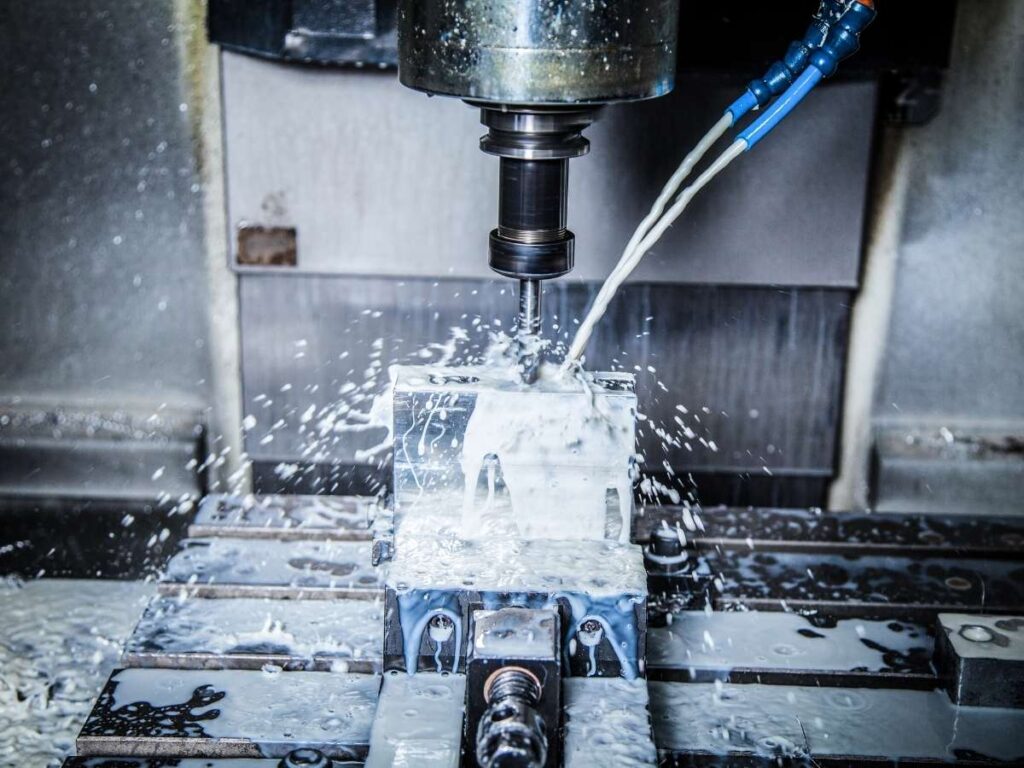
In a nutshell, CNC machining is the process of cutting, shaping, or drilling materials (usually metal or plastic) using computer-controlled tools. Think of it like telling a robot exactly how to carve your design, down to the last millimeter.
The result? Consistent, high-quality parts, every single time.
2. How CNC Machining Works
CNC machining might seem like a high-tech mystery at first, but it follows a clear, step-by-step process. Once you see how it all fits together, it becomes much easier to understand how your parts go from design to reality with so much accuracy.
Here’s a straightforward breakdown in seven steps:
- Design the Part Using CAD Software: It all starts with a digital design. CAD (Computer-Aided Design) software is used to create a 2D or 3D model that lays out every detail of the part.
- Convert the Design to G-Code with CAM Software: That CAD model is then fed into CAM (Computer-Aided Manufacturing) software. This step turns your design into G-code, which is the language CNC machines use to know how to move and cut.
- Set Up the CNC Machine: The operator selects the right tools and loads them into the machine. At the same time, the raw material is clamped securely onto the worktable.
- Load and Check the Program: Once the setup is complete, the G-code is uploaded into the machine’s controller. A quick check confirms that everything is aligned and ready.
- Run a Trial or Dry Pass: Before any cutting begins, the machine runs a dry pass without touching the material. This helps catch any setup issues before actual machining starts.
- Start the Machining Process: The machine begins cutting, drilling, or milling based on the programmed instructions. It moves with precision to shape the material exactly as planned.
- Inspect and Finish the Part: After machining, the part is removed and checked for accuracy and quality. Any finishing steps like cleaning or smoothing are completed before the part is sent out.
3. Key Advantages of Using CNC Machining
CNC machining isn’t just about cutting parts. It’s about reducing errors, saving time, and hitting tighter tolerances without burning through your team’s bandwidth.
If you’re weighing your manufacturing options, these are the benefits that really make CNC stand out.
Precision That Doesn’t Waver
CNC machining is all about consistency. Once the program is set, the machine follows the exact same path every time, holding tight tolerances down to fractions of a millimeter.
That kind of accuracy isn’t just nice to have. At MachMaster, it’s a game changer for high-performance parts.
Whether it’s for aerospace, medical, or automotive use, precision this dependable reduces costly rework and scrap.
Fast Turnarounds, Especially After Setup
Speed is one of the biggest advantages CNC brings to the table.
After the initial setup and programming, the machine can run continuously with minimal supervision. It can produce parts quickly and efficiently, which helps you shorten lead times and keep up with demand.
In fast-moving industries, that extra speed can help you stay one step ahead of competitors.
Flexibility Across Materials and Part Types
Whether you’re working with aluminum, stainless steel, plastics, or even composites, CNC machines can handle it.
You’re not locked into one type of part or limited by overly complex geometries.
With the right tooling and programming, a single CNC setup can produce everything from simple brackets to intricate housings. That kind of flexibility is especially valuable when your product mix evolves over time.
Scalable for Prototypes or Mass Production
CNC machining fits just as well in low-volume prototyping as it does in large-scale production runs. You can start with a few test parts, make adjustments, and ramp up once everything’s dialed in.
And because the machine doesn’t lose accuracy over time, your 1,000th part is as reliable as your first.
That makes it easier to plan for growth without switching processes midstream.
Lower Labor Costs Without Sacrificing Quality
CNC machines reduce the need for constant manual input.
One trained operator can oversee multiple machines, which helps keep staffing lean while output stays high.
And since errors are minimized, you’re not wasting time or money fixing avoidable mistakes. It’s one of the clearest ways to boost efficiency without compromising on quality.
4. Common Types of CNC Machines
CNC isn’t one single machine. It’s a whole family of specialized tools built to handle different tasks. Choosing the right setup affects everything from performance and speed to cost and quality.
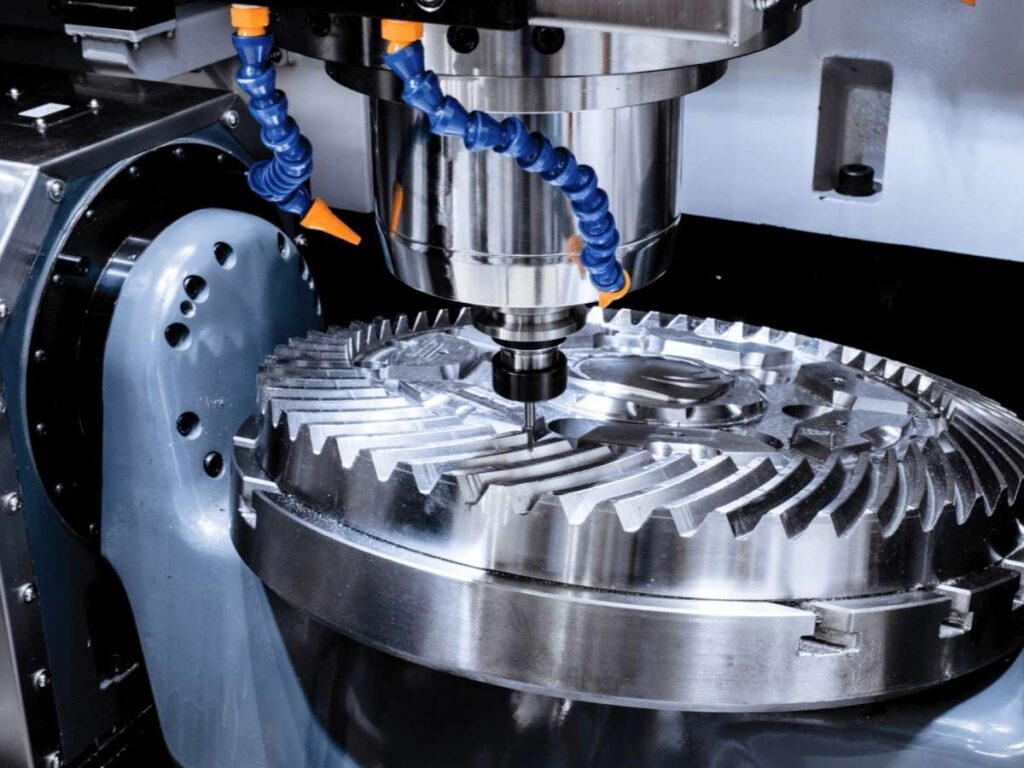
CNC Milling Machines
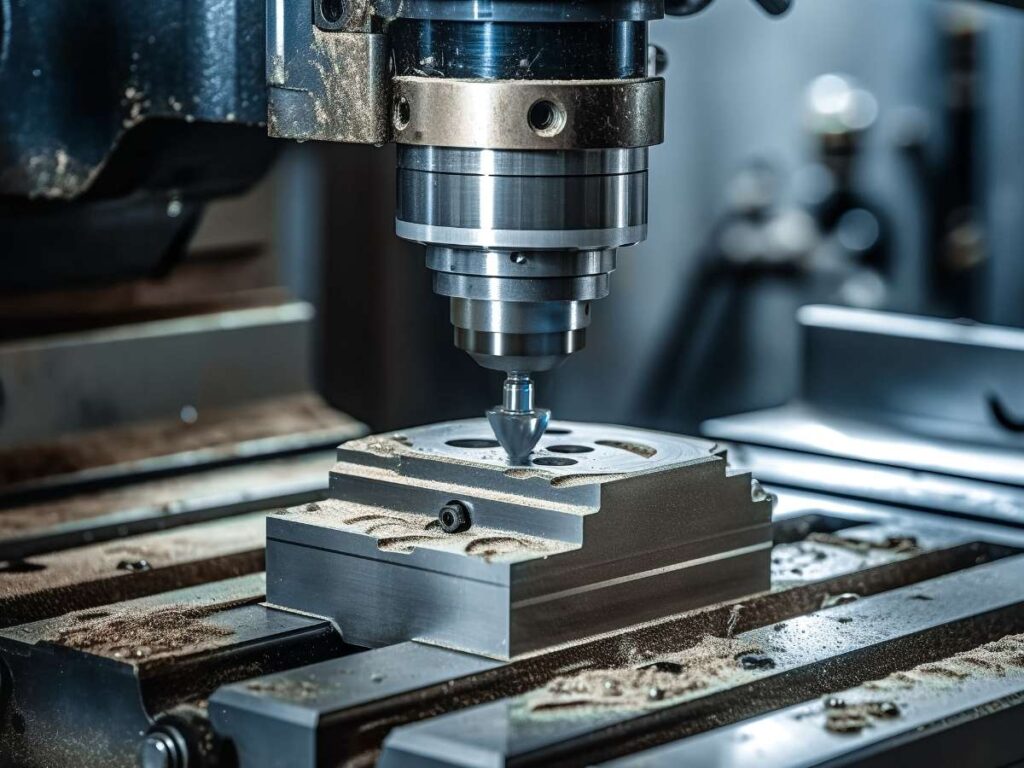
CNC mills are the backbone of many machine shops.
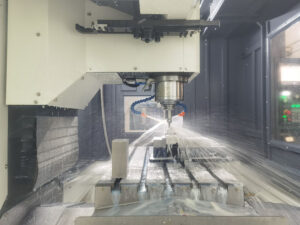
They use rotary cutters to remove material from a stationary workpiece, and they can move along multiple axes for complex shaping.
Whether you’re cutting slots, drilling holes, or creating intricate pockets, mills offer solid control and versatility. They’re a popular choice for custom parts, detailed features, and tight tolerances.
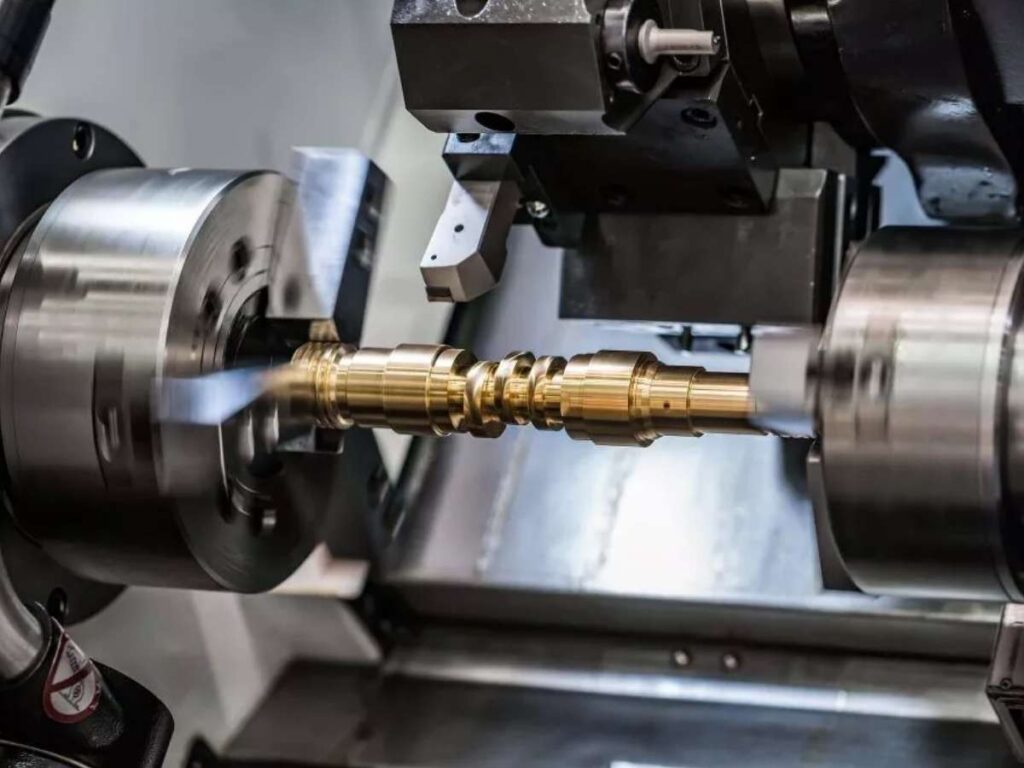
CNC Lathes
A CNC lathe spins the material while a fixed cutting tool shapes it. This setup is perfect for cylindrical parts like shafts, bushings, or threaded components.
Because of the constant rotation, lathes are great at producing smooth surfaces and symmetrical shapes.
If your project involves round parts, a CNC lathe is often the best fit.
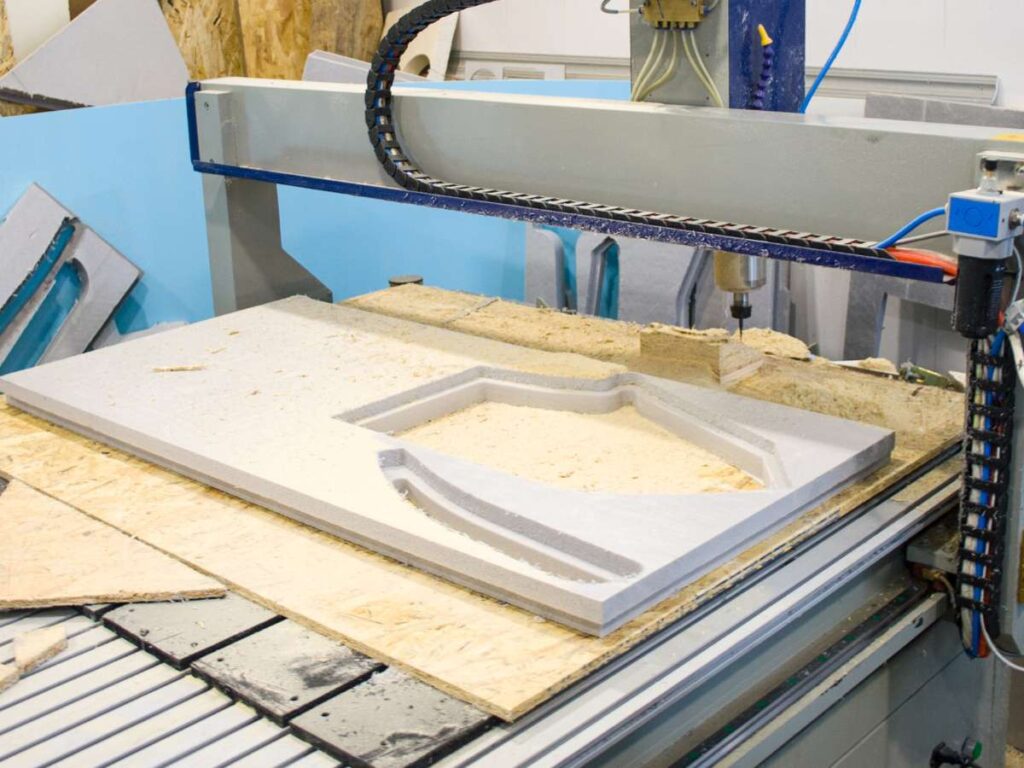
CNC Routers
CNC routers are often used for softer materials like wood, plastics, and foam.
They work a lot like mills but usually operate faster and can handle wider, flatter materials.
These machines are ideal for signage, furniture parts, or plastic components that don’t need heavy cutting force. For high-speed precision in lightweight materials, routers are a strong option.
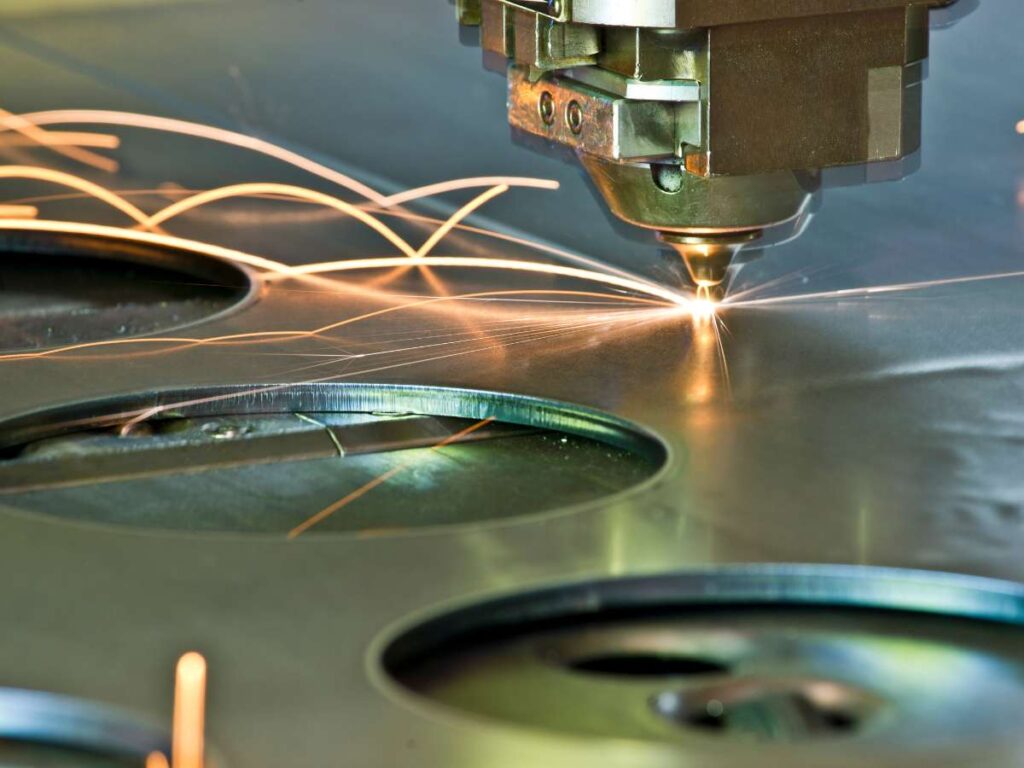
CNC Plasma and Laser Cutters
These machines cut using heat instead of contact tools. Plasma cutters use ionized gas to slice through metal, while laser cutters rely on focused beams of light.
Both are excellent for cutting sheet metal and creating clean, sharp edges without tool wear.
If you’re working with flat metal parts or need fine detail, these are worth a closer look.
5. CNC vs Manual Machining
If you’re deciding between CNC and manual machining, it helps to see the differences side by side.
While both methods have their place in manufacturing, their strengths and limitations are very different depending on what your business needs.
| Feature | CNC Machining | Manual Machining |
| Precision | Delivers extremely high accuracy with consistent results on every part. | Depends on operator skill and can vary between parts, especially in large runs. |
| Repeatability | Excellent for repeating the same operation multiple times with exact consistency. | May result in slight differences from one part to the next. |
| Setup Time | Requires initial programming and setup, which takes time upfront. | Quick to get started for simple, one-off tasks. |
| Speed in Production | Very fast after setup, especially in medium to high-volume production. | Slower, since every cut and adjustment must be made manually. |
| Complex Parts | Ideal for intricate geometries and multi-axis features. | Limited to simpler shapes and straightforward cuts. |
| Labor Requirements | One operator can run multiple machines with minimal supervision. | Requires constant hands-on input and attention from a skilled machinist. |
| Operator Skill Needed | Requires technical knowledge in CAD/CAM and machine setup. | Relies heavily on physical skill, tool knowledge, and manual dexterity. |
| Cost Efficiency | More cost-effective for large runs due to automation and reduced errors. | Better suited for low-volume or repair work where setup cost is a concern. |
| Tool Wear Monitoring | Software and sensors can detect and compensate for tool wear automatically. | Depends on operator experience and observation. |
| Learning Curve | Learning programming takes time but allows flexibility once mastered. | Easier to start with basic tools, but harder to scale or handle complex parts. |
6. Common Misconceptions About CNC
CNC machining might look like a flawless process from the outside, but there are plenty of myths floating around.
Especially if you’re new to manufacturing or sourcing parts, clearing up these misconceptions can save time, avoid mistakes, and lead to better business decisions.
- “CNC Machines Don’t Need People”: Automation plays a big role, but human input is still essential. Skilled operators are responsible for setup, programming, and making sure everything runs smoothly.
- “CNC Is Only for High-Volume Production”: Some think CNC only makes sense for large batch orders, but that’s not the case. Many shops offer services for prototypes and small runs with the same precision.
- “All CNC Shops Deliver the Same Quality”: Every provider uses different machines, software, and processes. That means quality can vary a lot depending on who you’re working with.
- “Once Programmed, the Machine Won’t Make Errors”: The program may be correct, but things like tool wear or material shifts can still cause issues. Active monitoring and adjustments are part of the process.
- “CNC Is Too Expensive for Small Businesses”: It may seem costly up front, but CNC often pays off through fewer errors and faster turnaround. Many small businesses use it to stay lean and competitive.
7. How to Choose the Right CNC Provider
Not all CNC shops are created equal, and picking the wrong one can cost you more than just a delay.
It’s not just about who has the flashiest website or the cheapest quote. It’s about technical capabilities, equipment readiness, and how well they understand the specifics of your application.
Verify Machine Capabilities and Axes
The number of axes a CNC machine has determines how complex a part it can produce. For basic 2D parts, a 3-axis mill might be enough, but more intricate components may need 4-axis or even 5-axis machining.
Ask what kind of machines the provider uses and whether they can handle tight tolerances across complex geometries.
Shops with a wide range of machine types are usually better equipped for varied projects.
Evaluate Their Tolerance Range and Quality Control
Don’t just ask if they “do tight tolerances”—ask for specific numbers.
A good CNC provider should clearly state the tolerances they can hold, especially for high-precision parts.
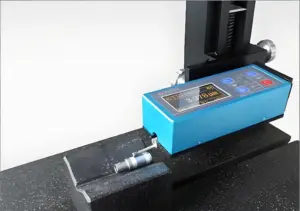
Also check what kind of inspection equipment they use, like coordinate measuring machines (CMMs), calipers, or laser scanners. Consistent quality control is a sign they won’t just hit your spec once, but every single time.
Review Their Programming and CAD/CAM Expertise
A CNC machine is only as good as its programming. Providers should be fluent in modern CAD/CAM software like Mastercam, Fusion 360, or SolidWorks to efficiently convert your part design into optimized toolpaths.
If you’re sending in a STEP or IGES file, make sure their team can spot manufacturability issues before machining starts.
The right team doesn’t just cut parts—they help you improve them too.
Ask About Material Experience and Tooling Strategy
Some shops are great with aluminum but struggle with hardened steel or specialty plastics. It matters whether your provider understands how feeds, speeds, and cutter selection change based on the material.
Ask what materials they work with most and how they select tools for different job types.
At MachMaster, our material-specific expertise reduces tool wear, avoids scrap, and keeps your parts consistent from run to run.
Conclusion
So now you know: CNC stands for Computer Numerical Control, but it means a lot more than that.
You’ve seen what it is, how it works, and why it matters in real-world manufacturing. From design to delivery, CNC machining brings speed, accuracy, and freedom to your production process.
This is where your next step begins. Want better parts, faster turnarounds, fewer errors?
MachMaster is ready when you are. Contact us today and let’s build something that sets you apart.