
I remember the first time a client came in with a rough sketch and said, “I need a real metal part by Friday.” No time for tooling. No room for mistakes.
I’d been running my metal shop for years, but this was different. I had to find a way to deliver fast and make it right.
That’s when I first used CNC prototype machining. It let me turn a digital design into a working part in just days. No molds. No guessing.
If you’re building something new or trying to test an idea, I’ve been where you are. That’s why I put this guide together, to explain what CNC prototyping is and why it can save you time and money.
You’ll see how it works, what kinds of parts it can make, how it compares to other methods, and how to know if it’s right for your project.
I’ll keep it simple and straight, just like I’d want someone to explain it to me.
So, let’s get into it!
1. What is CNC Prototype Machining
You know how it feels when you’ve got a product idea, a design, maybe even a CAD file, and now you need a real part in your hands, fast. Not a drawing. Not a rendering. A physical, working part you can test, hold, and show to others.
That’s where CNC prototype machining comes in.
CNC prototype machining is the process of making early-stage, fully functional parts using CNC machines.
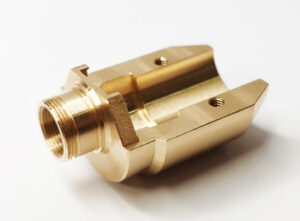
These parts are cut from real materials like aluminum, brass, or ABS plastic. They’re not models. They’re not placeholders.
They work. They feel real. They show you what’s possible.
Why It Matters
I remember using CNC for the first time to create a test part for a new client. He needed to check clearances and thread fit before approving the production design. We had two days. CNC got it done. We cut, tested, and made changes before spending a single cent on tooling.
Without that, we would’ve wasted weeks and thousands of dollars.
For you, it’s the same. CNC prototype machining lets you move fast, stay flexible, and make better decisions. Whether you’re developing a new product or validating a single component, it gives you real parts to work with, early in the process when it still counts.
2. Benefits of CNC Prototype Machining
When you’re bringing a product to life, there’s no room for guesswork. Every design choice, every material, every tiny feature, it all matters. CNC prototype machining gives you control to get things right from the start.
Let’s walk through what makes it such a powerful tool for teams like yours.
Precision You Can Trust
CNC machines follow exact instructions from your CAD file. That means you get consistent, repeatable results, down to fractions of a millimeter.
- Tight tolerances
- Smooth finishes
- Accurate dimensions
If you need a part that fits perfectly with others, CNC can handle it.
Real Materials. Real Results.
Some prototyping methods use soft plastics or layered prints. They’re fine for looks, but not for function.
With CNC machining, you can use the same materials you plan to use in production:
- Aluminum
- Stainless steel
- Titanium
- ABS, nylon, and more
That means your prototype will behave like the real thing under pressure, heat, or mechanical force.
Fast Turnaround
Speed matters. Especially when you’re testing a design, presenting to stakeholders, or working under a deadline. CNC machines can create working prototypes in just days, not weeks.
I’ve seen projects stall because teams waited on tooling or overseas shipping. With CNC, you skip the mold and get straight to the part.
Easy Design Changes
Early-stage parts often need updates. Maybe a hole’s in the wrong place. Maybe the fit is too tight. With CNC, making changes is simple. You tweak the CAD file, re-run the job, and test again.
This short feedback loop means faster decisions and fewer delays.
3. How CNC Prototype Machining Works
You don’t need to be an engineer to understand how CNC prototype machining works. The process is simple when you break it down.
Let me walk you through it, step by step.
Step#1 It Starts With Your Design
Everything begins with a CAD file. That stands for Computer-Aided Design. It’s a digital 3D model of the part you want to make.
You or your designer creates this file using design software like SolidWorks or Fusion 360. It holds all the details: shape, size, holes, curves, and more.
If you don’t have one yet, you’ll need to get it done first. CNC machines can’t cut without it.
Step#2 Turning Your Design Into Machine Instructions
Next, that CAD file goes into a CAM system, which stands for Computer-Aided Manufacturing. This step translates your design into toolpaths. These are the exact movements the machine will make.
- How deep to cut
- Where to move
- Which tools to use
- What order to do it in
It’s like giving your machine a GPS route, but instead of roads, it’s cutting paths.
Step#3 Setting Up the Machine
Now it’s time to prepare the CNC machine.
- A block of raw material is loaded (metal or plastic)
- Cutting tools are installed
- The workpiece is clamped down to keep it steady
Once everything’s in place, the machine runs the program. No manual cutting. No back-and-forth. Just precision.
Step#4 Cutting the Part
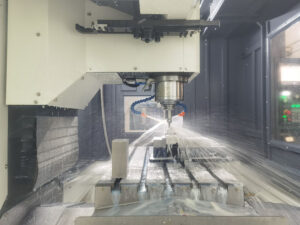
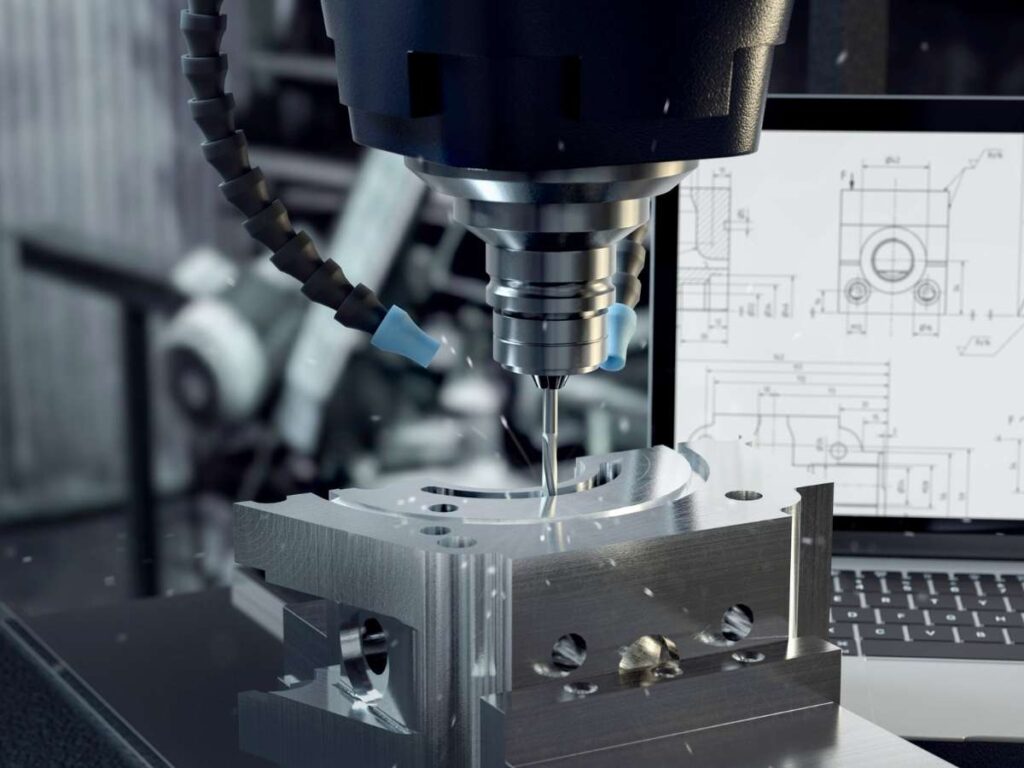
This is the heart of it. The machine starts cutting, drilling, or shaping the part based on the instructions.
There are different types of CNC machines depending on what you need:
- Milling Machines: For flat surfaces, holes, pockets, and curves
- Lathes (turning): For round parts like shafts or threads
- Multi-Axis Machines: For complex parts with curves and angles on many sides
The machine removes material bit by bit until the shape is done.
Step#5 Post-Processing
Once the part is cut, it’s not always finished. You may need:
- Deburring (removing sharp edges)
- Surface finishing (sanding or polishing)
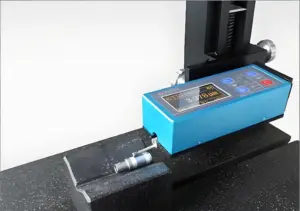
- Inspection (making sure it matches the specs)
This step makes sure the part is clean, accurate, and ready to use.
At the end of this process, you get a real, usable part. No molds. No waiting. It’s strong. It’s functional. You can test it, fit it, and use it to move your project forward.
4. Applications of CNC Prototype Machining
CNC prototype machining isn’t just for one kind of part or one type of business. It’s used across industries, for real, working products that need to be tested fast.
If you’re building something and need to see how it performs, this process gives you that chance.
Let’s look at how different people and teams are using CNC prototypes today.
Product Development
If you’re designing a new product, you know the early stages are full of changes. Things don’t always work as planned. You need to test, tweak, and repeat. CNC machining helps you do that by giving you:
- Working prototypes made from real materials
- High precision for testing fit and function
- Quick turnaround to keep your schedule on track
I’ve used it to help teams test enclosures, brackets, and custom components, all before they even thought about production tooling.
Engineering Validation
If your part needs to meet performance standards, it has to be tested under real-world stress. With CNC prototype machining, you can:
- Check if a part holds up under weight, heat, or vibration
- Test moving parts, thread fits, or pressure seals
- Run side-by-side comparisons between design versions
This is hard to do with a 3D print or soft plastic model. You need real strength. CNC gives you that.
Pre-Production Testing
Before you go into full production, you want to be sure the part works the way it should. That includes:
- Checking tolerances
- Verifying assembly fit
- Catching mistakes early
Making a small batch with CNC helps you avoid costly errors later.
Market Demos and Stakeholder Reviews
Sometimes, you just need a finished prototype to show someone else.
- Pitching to investors
- Showing customers how it works
- Getting internal sign-off
With CNC machining, you can make a part that looks and feels like the final product. That makes your presentation more convincing, and easier to say yes to.
5. CNC Prototype Machining vs. Other Methods
When you’re choosing a way to make your prototype, there are a few options. The most common ones are:
- CNC machining
- 3D printing
- Injection molding (for prototypes)
Each method has strengths. But each also comes with trade-offs. Here’s how they compare, side by side:
| Feature / Factor | CNC Prototype Machining | 3D Printing | Injection Molding (for Prototypes) |
| Material Choice | Wide range of real metals and plastics (e.g. aluminum, steel, ABS, nylon) | Limited mostly to plastics and resins | Limited selection unless molds are made for special materials |
| Part Strength | High. Matches production-grade strength | Low to moderate. Not always good for functional testing | High, but depends on mold quality and material used |
| Precision / Tolerances | Very high. Great for tight fits | Moderate. Layer lines may affect fit | High. Good consistency once mold is set |
| Surface Finish | Smooth, can be polished or finished | Layered finish unless post-processed | Smooth, depending on mold and process |
| Speed (First Part) | Fast. Parts can be made in 1–3 days | Very fast. Can print in hours | Slow. Molds take 2–4 weeks to make |
| Cost (Small Quantity) | Medium cost. No mold, but machine time is a factor | Low cost. Good for early concepts | High. Mold setup is expensive for just a few parts |
| Best Use Case | Functional prototypes, mechanical parts, fit testing | Concept models, design validation, visual prototypes | Mass production simulation, higher volume prototypes |
| Design Flexibility | High, but limited by tool access (no deep undercuts) | Very high. Complex geometries possible | Low. Mold limits design changes after it’s made |
| Change Flexibility | Easy. Just update the CAD file | Very easy. Quick to reprint | Hard. Mold changes are expensive and slow |
| Scalability | Scales to low-volume production | Limited. Not ideal for large runs | Great for scaling up, once the mold exists |
- Use CNC when you need real-world function and tight accuracy.
- Use 3D printing when you want to test shape, size, or look quickly and affordably.
- Use injection molding when you’re preparing for high-volume production, but only after you’re sure the design is locked.
6. Design Tips for CNC Prototyping
If you want to get the best results from CNC prototype machining, your design needs to be machine-friendly. A small change in your CAD file can save you time, reduce costs, and avoid delays.
Here’s what you need to know before you hit send:
Keep It Simple When You Can
CNC machines can do a lot. But complexity takes more time and money.
- Avoid deep pockets and tall, thin walls
- Stick to standard hole sizes (e.g. 6 mm, 10 mm, ¼ inch)
- Use radii in corners, sharp internal angles are hard to cut
If the part can do its job with a simpler shape, keep it that way.
Watch Your Tolerances
Tighter tolerances mean higher costs. Only use them where they matter.
- +/– 0.005″ (0.13 mm) is good for most general fits
- Go tighter only for sliding fits, threads, or seals
- Loose tolerance in non-critical areas saves money and time
If you’re not sure, ask your machinist what’s realistic.
Choose the Right Material Early
Material affects price, finish, and how the part behaves. If you know what your final part will be made of, try to prototype it in the same or similar material.
Common CNC-friendly materials:
- Aluminum 6061: Lightweight, strong, easy to cut
- ABS Plastic: Good for testing form and fit
- Stainless Steel: Tough and corrosion-resistant
- POM (Delrin): Good for moving parts and wear resistance
Using real materials gives you real feedback.
Prepare the Right File Format
Most CNC shops work with STEP (.stp) or IGES (.igs) files. These are neutral, 3D formats that hold solid geometry.
- Avoid sending only 2D drawings or STL files unless requested
- Include a PDF with notes on threads, tolerances, or finishes if needed
- Label your parts clearly if you’re sending multiple designs
Clean files mean fewer questions and faster turnaround.
7. 5 Tips for Choosing a CNC Prototype Machining Partner
Even the best design won’t mean much if your machining partner can’t deliver. Choosing the right CNC shop is just as important as the design itself, especially when time, budget, and quality are all on the line.
Here’s what to look for when you’re ready to get your prototype made:
#1 Look for Experience With Prototypes
Not every machine shop specializes in prototypes. Some focus only on production work. You need a partner who understands:
- Fast turnaround needs
- Small quantity jobs
- Frequent design changes
We at MachMaster work with product teams who need high-precision prototypes quickly. That’s the kind of experience that saves you time.
#2 Check Material and Machine Capabilities
Your part may need a specific metal or plastic. Make sure the shop has the right machines and tools for it. Ask about the type of materials they cut regularly.
Additionally, inquire about the size range of their machine support and if they do 3-axis, 4-axis, or 5-axis work. If your design has tight corners, complex angles, or small threads, you’ll want a shop that’s done it before.
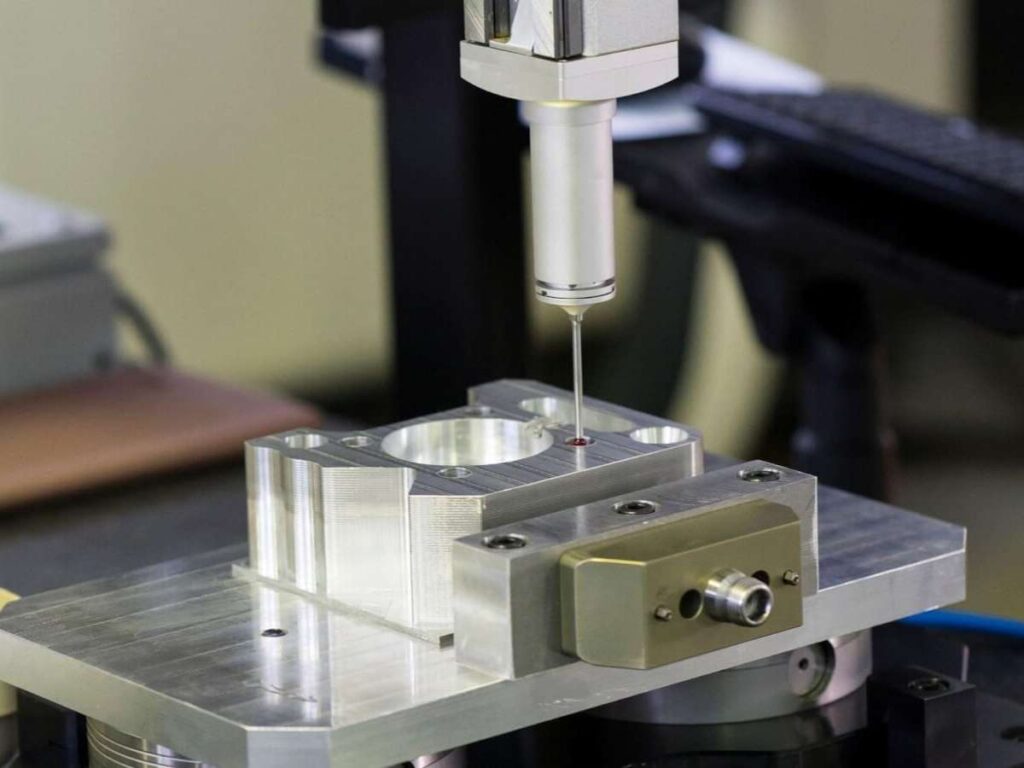
#3 Ask About Quality Control
Good CNC parts aren’t just cut, they’re measured, cleaned, and checked. Make sure your partner:
- Uses digital inspection tools
- Offers post-processing (deburring, finishing, coating)
- Provides reports or measurements if you need them
Quality control isn’t optional when you’re testing function or fit.
#4 Consider Communication and Support
Prototyping often moves fast. A good partner answers quickly, asks the right questions, and keeps you updated. Watch for:
- Fast, clear replies to your first quote
- Willingness to explain machining limits or suggest changes
- Regular updates during the job
You want someone who acts like part of your team.
#5 Get Clear on Pricing and Lead Times
Before starting, ask about:
- Setup fees
- Price per part
- Cost for extra revisions
- Delivery times (and rush options)
Some shops charge more for rush jobs or tight tolerances. Others, like MachMaster, are used to working with fast-moving design teams and offer clear, competitive quotes upfront.
Conclusion
Back when I needed that first prototype in just 3 days, CNC machining saved the day. No mold. No delays. Just a real part, fast.
Now, you understand what CNC prototype machining is, when to use it, and how it all comes together. You’ve seen the benefits, compared the methods, and learned what to look for in a partner.
If you’re pushing to turn an idea into something real, and fast, Machmaster is built for that. They help creators move from concept to part without the usual headaches.
What’s stopping you from holding your first part?
Let’s make it happen, contact us today.