
I still remember the first time I sent a part for CNC milling.
The design looked perfect. But when the part arrived, the holes didn’t line up. The finish was rough. And the supplier blamed the file.
That’s when I realized I didn’t really understand how CNC milling worked.
If you’re feeling unsure about this process, I’ve been there. You might be facing tight tolerances. Or short lead times. Or just trying to get your part done right the first time.
In this guide, I’ll break it all down what CNC milling is, how it works, and what it can do.
You’ll learn how to tell if this method fits your project, how to avoid mistakes, and what to look for in a machine or manufacturer.
By the end, you’ll have the tools to make smarter decisions.
So let’s begin!
1. What Is CNC Milling?
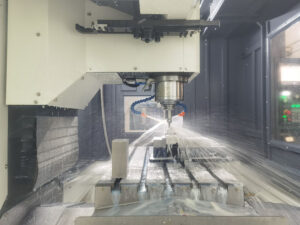
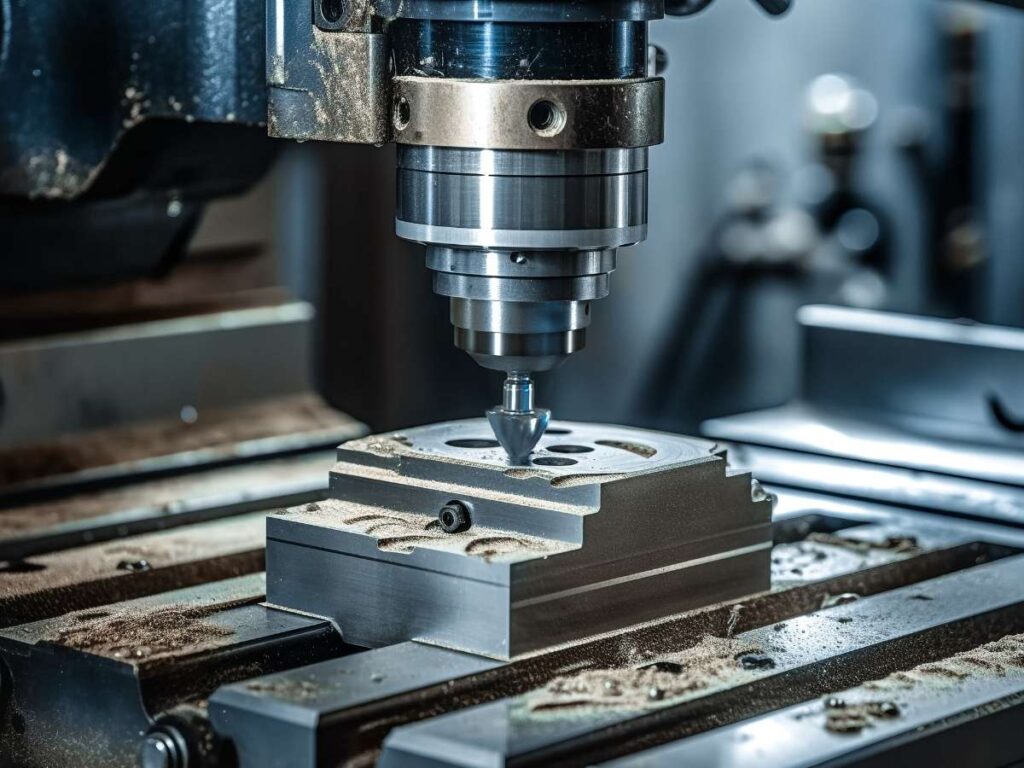
A block of aluminum sat still on the table. Above it, the spindle spun fast cutting, shaping, and slicing the metal with amazing precision. No guesswork. No hands on the tool. Just clean, sharp movements. It was like watching a robot sculpt.
So, what exactly is CNC milling?
CNC stands for Computer Numerical Control. It means a computer tells the machine what to do. You write the commands in a program, and the machine follows them step by step without needing a person to guide the tool by hand.
In CNC milling, those commands control how the cutter moves, how deep it cuts, how fast it spins, and where it stops. It’s all automated. That’s what makes it powerful. You get repeatable, accurate results.
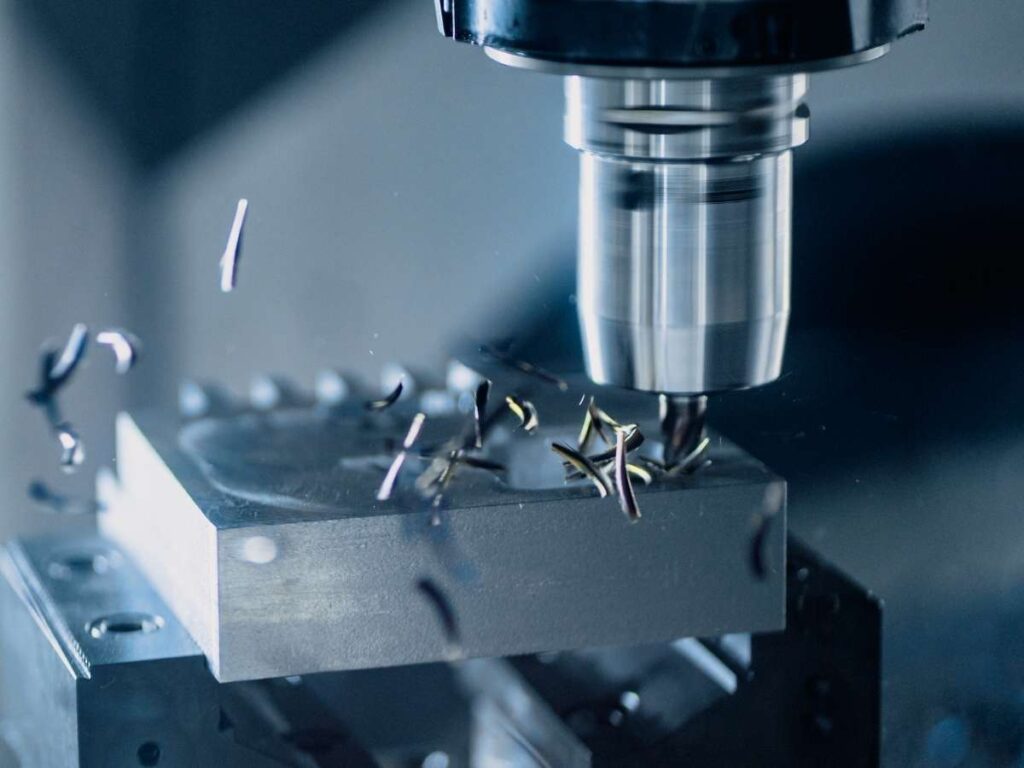
CNC milling is a subtractive process. You start with a block of material metal, plastic, or wood and cut away what you don’t need. Kind of like carving.
Now, here’s how it compares to other common processes:
- CNC turning spins the material while a cutting tool stays still
- 3D printing adds material layer by layer to build a part
- CNC millingach removes material from a block to reveal thme final shape
Each process has strengths. But milling gives you more flexibility and tighter control.
At MachMaster, we use this method every day to produce precision parts quickly, accurately, and consistently.
Why does this matter to you?
Because CNC milling offers:
- High precision (as tight as ±0.01mm)
- Consistency from part to part
- A wide range of material options from soft plastics to hardened metals
I’ve seen shops use it for everything from phone housings to medical tools. If your part needs clean lines, exact sizes, and strong materials, CNC milling is often the right choice.
2. How CNC Milling Machines Work
The first time I turned my 3D design into a real part, I was amazed.
It wasn’t just about clicking “print” like on a 3D printer. There was a real process. A mix of software, tools, and setup. And once I understood how it worked, everything made more sense.
Here’s how the process flows from your screen to the machine:
- CAD (Computer-Aided Design): You design your part. This is your blueprint shapes, holes, curves, everything.
- CAM (Computer-Aided Manufacturing): You set the machining steps. This includes toolpaths, speeds, and which tools to use.
- G-code: CAM software turns your plan into code the machine understands. It tells the mill what to do and where to go.
- CNC Milling Machine: You load the code, and the machine does the cutting based on the instructions.
In short: CAD → CAM → G-code → Milling Machine
These are the key parts that make everything happen:
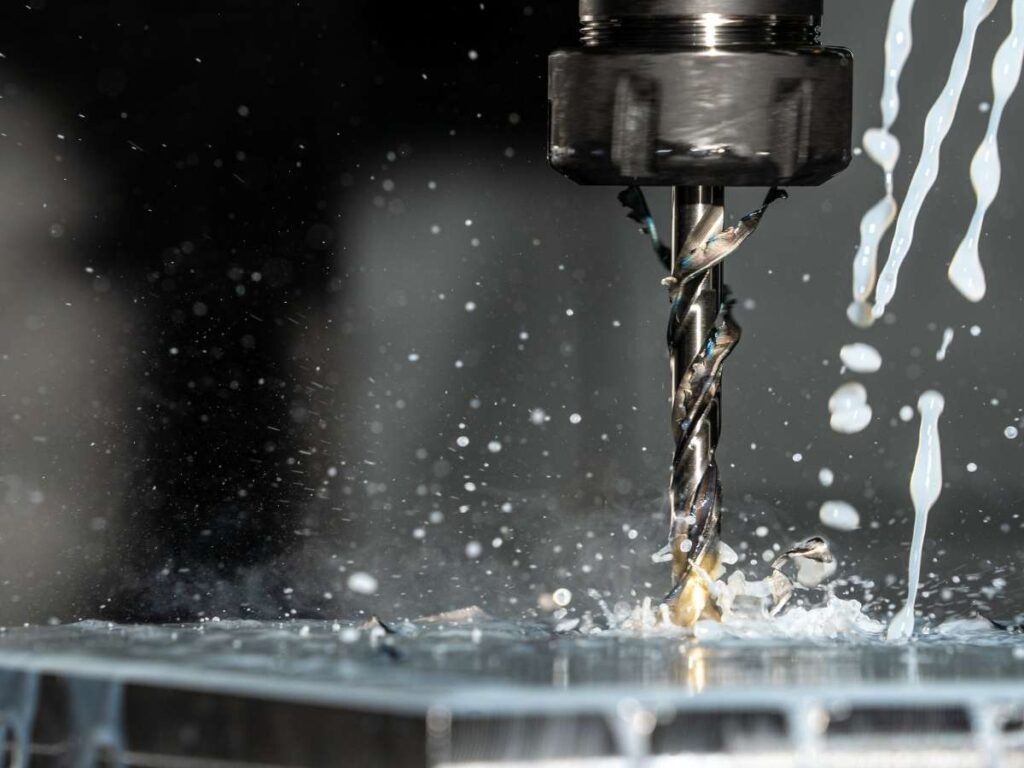
- Spindle: This is the part that spins the cutting tool. It often moves thousands of RPMs and cuts the material.
- Bed/Table: This is the flat surface where you place the material. The part stays fixed while the cutter moves.
- Tool Changer: Some machines can switch tools automatically. This helps cut complex parts without stopping to change bits.
- Controller: This is the “brain” of the machine. It reads the G-code and controls the motors and movements.
Each part has a job. Together, they make precise, repeatable cuts.
Some common software that helps with this includes: Fusion 360, Mastercam, and Mach3
These programs help turn your design into something the machine can follow.
Once you get the hang of it, the process feels smooth. Like turning an idea in your head into something you can hold in your hand.
3. Types of CNC Milling Machines
When I first started choosing machines for different parts, I made some bad calls.
I once tried making a curved part on a 3-axis mill. It technically worked, but it took hours and the finish wasn’t great. After that, I learned how important it is to match the machine type to the part’s complexity.
By Axis Count
- 3-Axis CNC Mill: Moves along X, Y, and Z directions. Good for flat and simple shapes. This is the most common type and works well for basic brackets, covers, and plates.
- 4-Axis CNC Mill: Adds a rotating table (A-axis). The part can turn during milling, which allows cutting on multiple sides without re-clamping. Useful for round parts or parts with features on different faces.
- 5-Axis CNC Mill: Rotates in more directions usually adds two rotational axes. Great for complex parts with angles, curves, and undercuts. Speeds up production by reducing setups. Common in aerospace, mold making, and medical parts.
By Size or Configuration
- Desktop CNC Mill: Small and compact. Fits on a table. Often used by hobbyists or for light-duty prototyping. Best for soft materials like plastic, foam, and light aluminum.
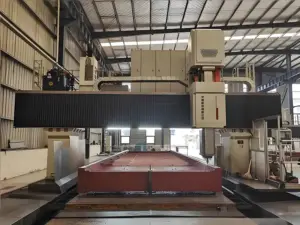
- Industrial CNC Mill: Larger machines made for heavy use. Handles hard materials like steel and titanium. Found in machine shops and production facilities. Ideal for high-precision and high-volume jobs.
If you’re working with basic shapes or prototypes, a 3-axis or desktop mill might be enough.
But if your part is detailed, multi-sided, or production-ready, moving up to a 4- or 5-axis machine will save you time and improve quality.
Understanding the machine’s movement and what it can do makes it easier to plan your project and avoid surprises.
4. Common CNC Milling Operations
I remember getting my first machined part back and wondering, “Why does this edge feel sharp?”
Turns out, I hadn’t asked for contour milling to round it off. I didn’t even know what that was back then.
Once I learned the names of each operation, everything got smoother better parts, fewer revisions, and clearer communication with machinists.
- Face Milling: Flattens the top surface of your material. It’s often the first step, like prepping a blank sheet before drawing on it.
- Contour Milling: Cuts along the edge or outline of a part. Great for curves, angled edges, and outside profiles.
- Pocket Milling: Clears material from inside a shape. Think of it like scooping out a section used for flat-bottomed holes or recesses.
- Slot Milling: Cuts straight grooves or channels into the part. Often used for keyways or where another piece needs to slide in.
- Drilling: Makes round holes. You’ll need this if bolts, screws, or fasteners go through your part.
- Tapping: Add threads inside a drilled hole. This lets you screw directly into the part directly with no need for extra nuts.
- Engraving: Add numbers, text, or small graphics. Ideal for serial numbers, part names, or custom branding.
Each of these operations plays a specific role in shaping your part.
Knowing them helps you explain what you need and avoid back-and-forth with the shop.
5. Applications of CNC Milling Across Industries
The more I’ve worked with CNC parts, the more I’ve realized something simple every industry uses CNC milling.
Some for high-precision metal parts. Others for one-off plastic prototypes. Whether you’re making a jet engine or a wooden sign, CNC milling shows up somewhere in the process.
Electronics
- Enclosures: Protect sensitive electronics. Often milled from aluminum for heat resistance and strength.
- Heat Sinks: Help cool down circuit boards. CNC milling keeps the fin spacing tight, which is key for performance.
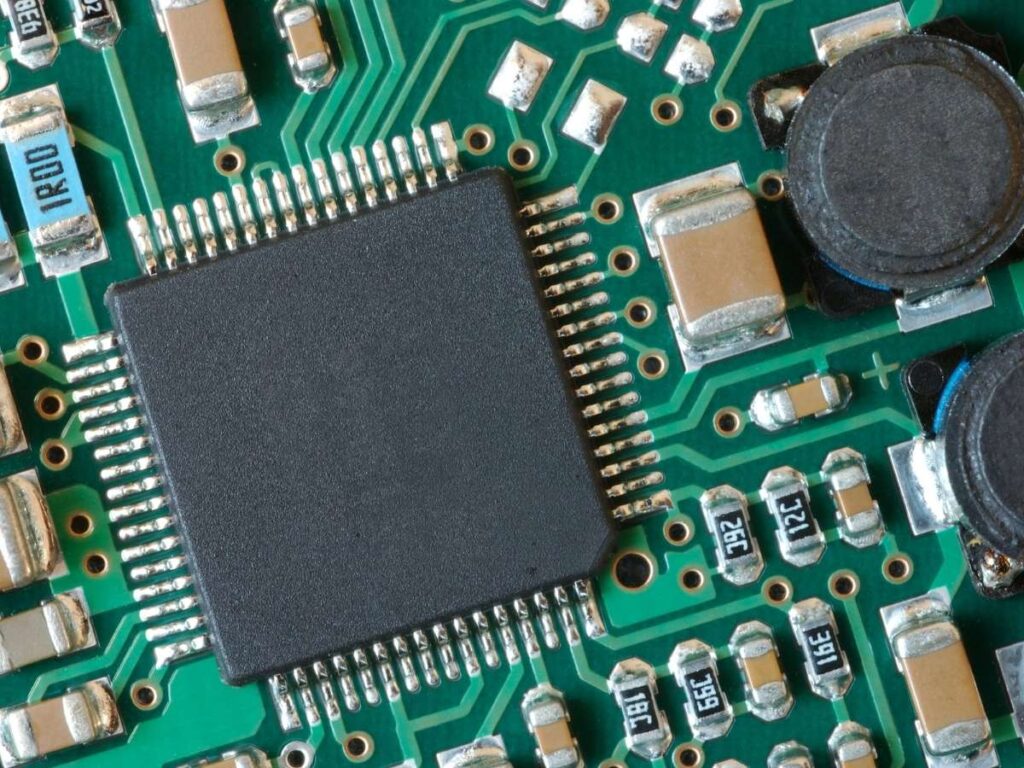
- PCBs (Printed Circuit Boards): Some low-volume or prototype boards are milled instead of etched. Helps speed up testing.
These parts often need tight tolerances and clean edges to fit other components.
Medical
- Surgical Instruments: Small tools that need exact shapes and smooth finishes. Often made from stainless steel or titanium.
- Implants: Custom-shaped parts that go into the body. CNC helps match patient-specific forms.
- Device Housings: Strong, clean shells for things like diagnostic tools or monitors.
In medical work, accuracy matters. So does surface finish and CNC delivers both.
Automotive
- Engine Parts: Like cylinder heads, valve covers, or intake manifolds.
- Fixtures: Used during assembly or inspection to hold parts steady.
- Transmission Cases: Strong, complex aluminum parts that need consistent shape and structure.
I’ve seen CNC parts go straight from machine to test bench without extra work. That’s how consistent they are.
Aerospace
- Turbine Blades: Need tight tolerances and curved shapes. CNC handles both.
- Aluminum Brackets: Strong but light. Milled to fit into tight spots.
- Titanium Components: For structural parts that take heavy loads but can’t add weight.
- Aerospace parts often require exotic materials. CNC machines are built to handle them.
Consumer Goods
- Prototypes: Early versions of a product before mass production.
- Aluminum Parts: For high-end tools, gear, or gear housings.
- Plastic Molds: CNC cuts the mold that later forms the final product.
- Speed matters in product design and CNC helps you move fast without giving up quality.
Furniture & Creative Work
- Custom Wood Panels: Used in furniture, walls, or decor.
- Signage: Precise letters, logos, and patterns.
- Creative Projects: From guitar bodies to artwork frames.
For personal buyers, CNC milling opens up professional-quality work without a big factory behind you.
No matter what you’re building, CNC milling can likely help. You just have to match the material, tolerances, and finish your project. And once you do, the results speak for themselves.
6. Challenges and Limitations of CNC Milling
Some parts seem simple until you try to machine them. I’ve run into that more than once. CNC milling is powerful, but it’s not perfect. Here’s what can go wrong and what to think about before you start.
Design Limitations
- Inside corners can’t be perfectly sharp. Cutting tools are round, so there’s always a small radius left behind.
- Thin walls can vibrate or flex during cutting, leading to poor surface finish or broken parts.
- Undercuts are hard to reach with standard tools. These areas often need special tools or a 5-axis machine.
Cost Factors
- Complex shapes take more time to program and cut, which increases the overall cost.
- Tight tolerances require more measuring and inspection time, especially for parts that need to match precisely.
- Exotic or hard materials wear down tools faster, which means more tool changes and higher machining costs.
Lead Times
- Setup time for a custom job can take hours, especially if you’re making a one-off part.
- Some materials aren’t always in stock, so waiting on suppliers can delay production.
These aren’t deal-breakers. But they’re real. If you plan for them, CNC milling gets a lot smoother and the results speak for themselves.
7. Factors to Consider When Choosing a CNC Milling Service
I’ve worked with shops that felt like trusted partners and others that gave me headaches. The difference usually came down to a few key things. If you’re picking a CNC service for the first time, here’s what to look for.
#1 Specialization
Every shop has a focus. Some are geared for small plastic parts, others for large steel components. At MachMaster, we specialize in high-precision parts across metals and plastics from prototypes to production runs.
#2 Tolerance Capabilities
Not all machines or shops can hold the same precision. If your part needs tight tolerances, like ±0.01mm, ask if they can meet that. It’s also worth seeing sample work or past inspection reports. This gives you a better idea of what they can actually deliver.
#3 Material Options
Material choice matters. Aluminum, stainless steel, plastics each cuts differently. Some materials can wear tools down fast. Ask if they’ve worked with your chosen material before. If they haven’t, you might run into slower lead times or higher costs.
#4 Communication
How a shop communicates tells you a lot. If they reply quickly, answer questions clearly, and give suggestions to improve your design that’s a good sign. But if you’re left waiting for updates, or they ignore important details, your project may run into trouble.
#5 Certifications
If your part is going into something critical like medical devices or aircraft, you may need certifications. ISO 9001 is common, but others may apply too. A shop with proper certifications can give you the documentation you need to meet your industry’s standards.
Conclusion
I still remember that first machine the way it carved metal like butter.
Now you know why CNC milling matters. What it is. How it works. Why it beats guesswork every time.
It’s fast. It’s accurate. And it could change how you bring your designs to life.
Ready to stop wasting time and start machining smarter?
Start small. Start now. Just start.
Need help getting a quote or prototype?
Contact us at MachMaster. Let’s build something real.