
We get this question all the time:
“Should we go with CNC or manual machining for this part?”
It usually comes from a buyer or engineer. Sometimes it’s a business owner trying to stay on budget or speed up production.
Either way, they want the same thing—real answers that help them choose the right method, without wasting time or money.
So if you’re stuck or just curious, this article is for you.
We’ll break down the core differences between CNC and manual machining. We’ll explain what each method is, how they perform, where they shine, and what kind of jobs they’re best suited for.
By the end, you’ll know which method fits your project or business better.
Let’s jump in!
Quick Comparison Chart
Before we dive into the details, here’s a quick side-by-side view to give you a snapshot of how CNC and manual machining compare:
| Feature | CNC Machining | Manual Machining |
| Programming & Setup | Needs G-code or CAM software; longer upfront | No code; hands-on setup |
| Speed & Lead Time | Slow to start, fast for big runs | Quick to start, slower for many parts |
| Accuracy & Tolerances | Holds ±0.001 in (0.025 mm) with repeatability | Relies on operator; ±0.005 in (0.127 mm) typical |
| Material Versatility | Wide range, fine control by program | Most materials, but more operator care needed |
| Cost Efficiency | Higher setup cost, lower cost per part later | Lower upfront cost, higher labor per part |
| Ideal For | Complex, high-volume, repeat jobs | Simple, low-volume, same-day tasks |
That’s your quick snapshot. Next, we’ll look closer at each category to help you choose confidently.
1. What is CNC Machining?
Are you trying to decide how to get your parts made—quickly, accurately, and within budget?
Then you’ve probably come across CNC machining.
It stands for Computer Numerical Control. It’s how many manufacturers (like us) make precision parts—fast and repeatable.
I remember when we first added CNC to support one of our clients who needed 200 parts with tight tolerances. A job like that would have taken days manually. With CNC? We finished it in one shift.
So, what makes CNC machining different?
Here’s what happens:
- We take your CAD file (or help you create one)
- Turn that design into machine instructions
- The CNC machine follows every command exactly—no shortcuts, no guesswork
- Your part is cut, drilled, or milled with consistent precision
It’s a smart choice if you:
- Need multiple identical parts
- Work with tight deadlines
- Care about exact specifications
- Want to reduce scrap and rework
CNC isn’t always the right fit for every job. If you’re exploring manufacturing options, it’s one you should take time to understand. But at MachMaster, CNC is part of the foundation—built around precision, repeatability, and results that stay consistent, part after part.
2. What is Manual Machining?
I’ve had plenty of moments when manual machining saved the day. A custom bracket needed tweaking, or a last-minute part had to be turned around fast—manual was quicker than setting up a CNC. No programming. No setup delays. Just walk up, clamp the material, and start cutting.
Not every job needs automation.
Sometimes, the hands of a skilled machinist are all you need.
Manual machining means the machine is operated directly by a person—no computer programming involved. A machinist adjusts the tools, controls the movement, and watches each cut in real time.
Manual machining is ideal when:
- You only need one or two parts
- The part is simple in shape
- Quick turnaround is more important than tight tolerances
- You don’t have a CAD file
It’s also useful for modifications or repairs.
Let’s say you need a hole resized or a surface touched up—manual machines are perfect for that.
Is it as precise as CNC? Not always.
But in the right hands, it gets the job done—without setup delays or added programming.
Thinking about small run or prototype? Manual might be enough.

3. Programming and Setup
This is where you’ll notice the biggest difference between CNC and manual machining. I’ve had jobs where writing G-code took longer than the machining itself.
Here’s how programming and setup differ:
CNC Machining: Needs Programming
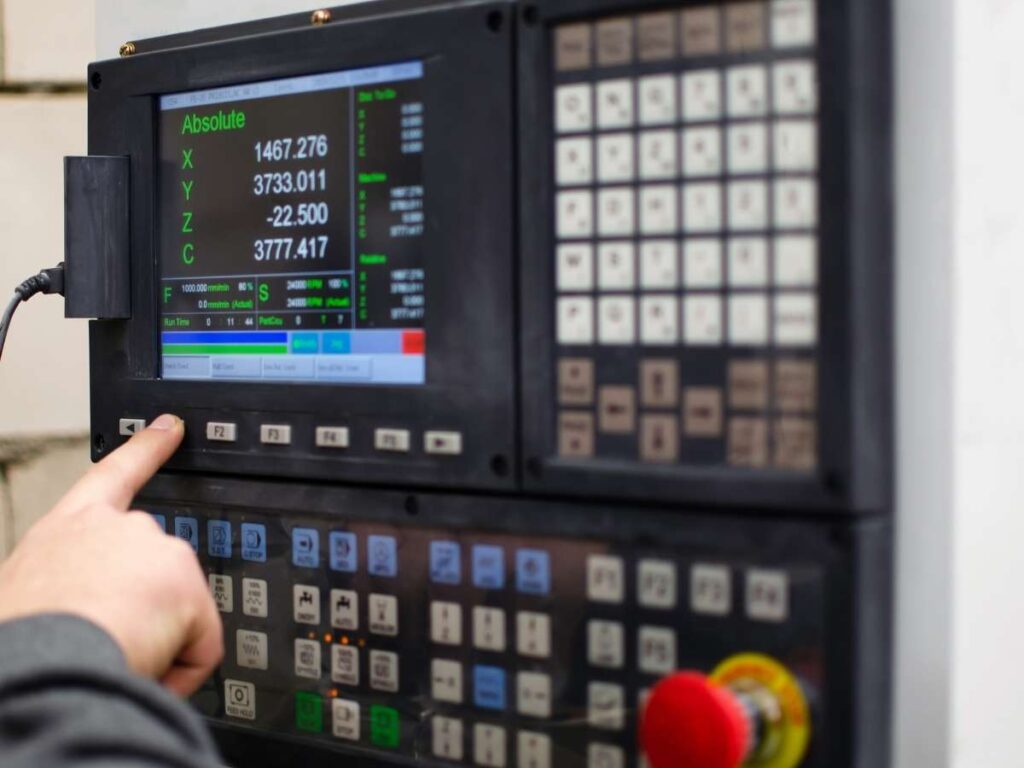
CNC machining relies on code. The most common type is G-code, which tells the machine exactly how to move.
You either write it manually or use software that converts a digital drawing into machine instructions. This takes more time upfront, but once the program is right, the machine can repeat the job over and over.
You still have to:
- Set the tools
- Clamp the material
- Load the file and check for errors
It’s like prepping a recipe before cooking—you do the setup once, then let the machine run.
Manual Machining: No Programming Required
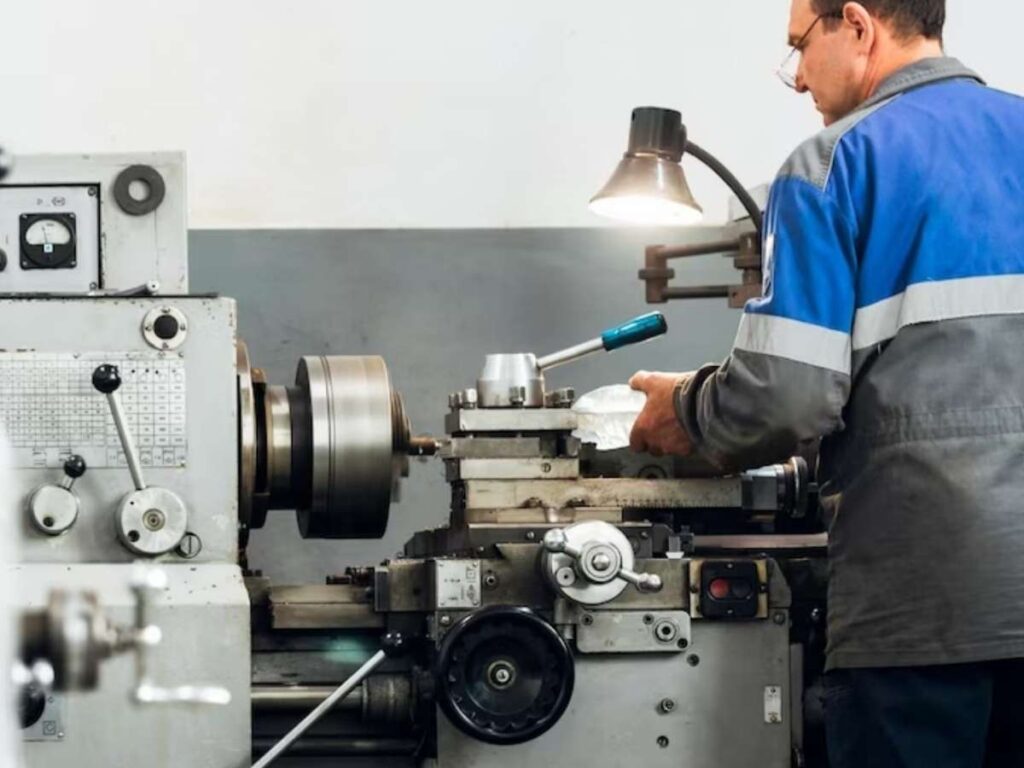
With manual machining, there’s no software. You control everything by hand—turning wheels, setting speeds, and lining things up using your own eyes.
It’s faster to set up for small or simple jobs. But the trade-off? You do the same steps over and over.
Also, the result depends heavily on your skill. One slip, and the part may be off.
What To Choose?
Ask yourself:
- Do I need just a few parts? Manual might be better.
- Do I need precision and repeatability? Go with CNC.
- Do I want to save time on large batches? CNC wins.
Both methods have their place—it depends on your job, timeline, and comfort level.
4. Speed and Lead Time
Time matters. Whether you’re launching a new product, managing a production line, or sourcing parts last minute—how fast you can get your parts makes a big difference.
Let’s break it down.
CNC Machining: Slower Start, Faster Finish
CNC machining usually takes longer to set up at the beginning. Why?
You need to:
- Program the toolpath (usually with G-code)
- Pick and set the right tools
- Do a dry run or simulation to avoid mistakes
But once it’s running?
The machine doesn’t get tired. It repeats the same job over and over, quickly and with consistency.
For high-volume parts or repeat jobs, I’ve seen CNC cut total production time in half—even if setup took a few hours. It’s ideal when you’ve got tight deadlines after the first piece.
Manual Machining: Quick Start, Slower Output
Manual machines are faster to get going. No programming. No computer.
You just:
- Set up the stock
- Pick your tool
- Start cutting
That’s why they’re great for one-offs or small runs. But there’s a catch.
Every move, every hole, every cut—you repeat it by hand.
If I had to make 30 of the same part, I’d feel it in my shoulders by part ten. Manual machining can wear you out. And mistakes are more likely when fatigue sets in.
What’s Faster for You?
Ask yourself:
- Do you need just one or two parts quickly? Manual may be best.
- Are you running 50 or more of the same part? CNC will save you time in the long run.
- Do you need repeat orders in the future? CNC setups can be saved and reused.
Think about both setup time and run time.
That’s how you get a true picture of lead time.
The fastest method isn’t always the one that starts first—it’s the one that finishes best for your job.
5. Accuracy & Tolerances
Not every part you machine needs extreme precision—but when it does, accuracy can be the line between a smooth delivery and costly scrap.
Here’s how to think about it between the two:
CNC Machining: Consistent and Precise
CNC machines follow exact digital instructions. Once everything is set, the machine repeats the same motion again and again—with very little variation.
Typical CNC tolerances:
- ±0.001 inches (about 0.025 mm)
- Great for parts that must fit together
- Reliable across long production runs
I once ran a batch of 300 stainless steel inserts. Every single one was identical. No rework. No second checks.
That’s the kind of consistency CNC gives you.
CNC is best when you’re working with high-precision parts or tight assemblies.
Manual Machining: Skill-Based and Variable
Manual machining doesn’t use code. The machinist controls everything—by hand.
That includes:
- Positioning the part
- Adjusting the tool
- Measuring as you go
A skilled machinist can usually hold:
- ±0.005 inches (about 0.127 mm)
- Good enough for simple or one-off jobs
- But variation is more likely, especially over long hours
I’ve seen great manual work—clean, sharp, dead-on. I’ve also seen the same part come out different by the end of the day, just from fatigue.
Manual is fine for less demanding tolerances, but it depends heavily on the person at the machine.
What’s Best for Your Part?
Ask yourself:
- Do the parts need to fit perfectly, every time?
- Can even a small size difference cause problems?
- Is it a one-off piece or part of a larger assembly?
If you need parts to match closely and repeatedly, CNC is the better choice.
If the part is simple and doesn’t need tight accuracy, manual may still work—especially if you trust the hands doing the work.
6. Material Versatility
Not all materials are the same. Some are soft and easy to cut. Others are tough, brittle, or hard to shape.
So—can both CNC and manual machines handle different materials?
Let’s take a closer look:
CNC Machining: Handles a Wide Range
CNC machines work well with many materials, including:
- Aluminum
- Stainless steel
- Plastics (like ABS or nylon)
- Brass and copper
- Titanium and even composites
Because tool speed, depth, and feed rate are all programmed, you can fine-tune how the machine cuts—depending on the material.
We’ve used CNC to machine hard steels one day, and soft plastics the next. Once you dial in the right settings, the machine does the rest.
CNC is especially helpful for:
- Materials that are hard to cut by hand
- Parts that require complex shapes
- Jobs where tool control matters
The repeatability and control you get with CNC makes it easier to deal with tricky materials.
Manual Machining: Still Capable, But Takes Effort
Manual machines can also work with a wide range of materials.
You can cut:
- Mild steel
- Brass
- Plastics
- Aluminum
- Some harder alloys, with care
But you control everything by hand:
- Speed
- Feed rate
- Depth of cut
That means tough materials need more attention.
Too fast—and the tool could dull or break.
Too slow—and the cut may not be clean.
I remember turning a piece of hardened steel manually. It worked, but I had to take light passes and go slow. It took longer, and it wore me out.
Manual machining gives you flexibility—but it’s not always easy on the operator.
What’s Right for Your Material?
Ask yourself:
- Is your material hard to machine or sensitive to heat?
- Do you need fine control over cutting speed and depth?
- Are you switching between materials often?
If yes, CNC will give you more control and fewer surprises.
Manuals can still work well—but it requires more experience and more feel for how the material behaves.
7. Cost Efficiency
When you’re paying for machining services, the cheapest quote isn’t always the best deal. The true cost comes from more than just the hourly rate.
Here’s a quick comparison of where the real cost differences show up:
CNC Machining: Higher Upfront, Better for Volume
CNC machines cost more to run at the beginning.
Here’s why:
- Programming takes time
- Setup is longer
- Machines are expensive to buy and maintain
But once the job is running?
CNC is fast. Accurate. Repeatable.
That means:
- Lower labor cost per part
- Less material waste
- Faster turnaround on larger batches
I’ve had jobs where the first part took 2 hours—but then we ran 100 more in one afternoon. That brings the per-part cost way down.
So if you’re running medium to large quantities, CNC usually becomes more cost-effective over time.
Manual Machining: Lower Start Cost, Higher Per-Part Labor
Manual machines are simpler and cheaper to operate upfront.
You don’t need a programmer.
You don’t need CAD or CAM software.
You just need a skilled machinist and a good plan.
This works well for:
- Prototyping
- Repair work
- Small one-off parts
But each part takes time.
And time is labor.
I’ve seen shops spend three hours making a single part manually—when a CNC could’ve made ten in the same time, after setup.
Manual machining is cost-friendly early on, but it gets expensive as part count goes up.
What’s More Cost-Efficient for You?
Ask yourself:
- Are you making one or two parts, or hundreds?
- Will this job repeat again in the future?
- Are setup time and programming worth the long-term gain?
If you’re scaling up or need speed and accuracy across many parts, CNC offers long-term savings.
If you’re working small, fast, and simple—manual may cost less, especially if you already have the right skills in-house.
8. Factors To Consider When Choosing Between CNC and Manual Machining
Still unsure which one’s right for you?
That’s normal. Every project is different.
We often help customers choose between CNC and manual—based on their goals, timeline, and budget.
Here are the key factors to think about before you decide.
How Many Parts Do You Need?
Ask yourself:
How many parts do I need?
- For one or two parts, manual machining is usually faster and cheaper
- For 10, 50, or 500 parts, CNC becomes more efficient—especially over time
If it’s a repeat job, CNC saves even more by using the same setup again later.
How Complex Is Your Part?
How detailed is the part?
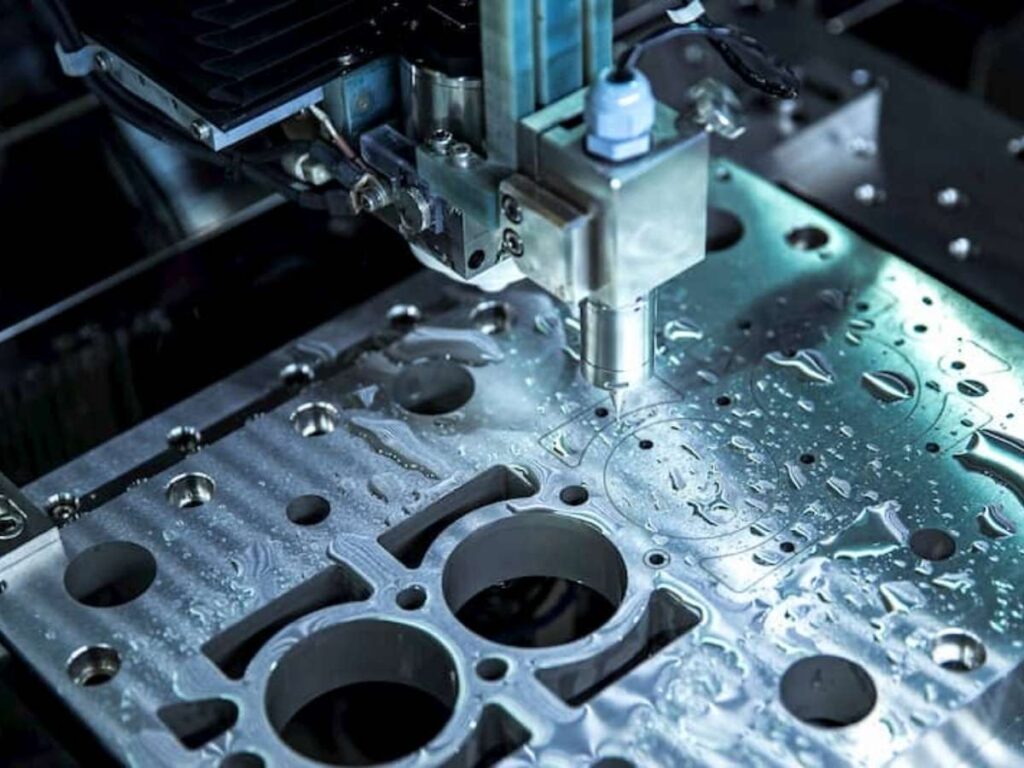
CNC handles:
- Curves
- Multi-axis cuts
- Complex shapes
Manual machines work best with:
- Straight cuts
- Simple holes
- Basic profiles
If your part is complicated or has tight angles, CNC gives you better results with less hassle.
Budget and Labor
What’s your cost and labor situation?
- Manual machining is cheaper to set up
- CNC is more efficient long-term if you have skilled operators or repeat jobs
- Manuals may work if you have limited access to software or programming tools
Sometimes the choice depends on who’s doing the work—and what tools they know best.
Is This a One-Time Job or Will You Reorder?
Ask yourself:
- If this is a one-time part or a test fit, manual is usually enough.
- If you’ll need the same part again later, CNC saves you money over time. The program can be reused without starting from scratch.
If you’re still not sure, that’s normal.
Bring your drawing or idea to your machining partner. A good one like Machmaster will look at your project and guide you to the most cost-effective method—without overcomplicating it.
Conclusion
Manual or CNC? It depends on what you need.
CNC wins on speed and precision.
Manual can save cost on simple, small-run jobs.
Now you’ve got the facts—not just opinions.
Are you ready to build your next project?
MachMaster helps teams like yours find the best fit, without wasting time or budget.
Contact us today and let’s get started!
Learn More: Recommended Reads
Want to see more products? We’ve got plenty of options that might just be the perfect fit for you:
Still haven’t found what you’re looking for? Don’t hesitate to contact us. We’re available around the clock to assist you.