
I still remember holding a part fresh off the machine, thinking, “This should’ve worked.”
But it didn’t. The edges were off. The holes weren’t clean. We tried to fix it, but by then, we had already wasted the material—and the time.
That kind of thing kept happening. Minor errors turned into full delays. Extra costs showed up where we didn’t expect them. And the whole process felt harder than it needed to be.
So we tried laser cutting.
That’s when things started running smoother. Parts came out right the first time. We stopped pausing production to fix mistakes. And we spent less time cleaning up after the cut.
If you’ve run into the same issues—slow lead times, scrap, or parts that never seem to match your drawings—this article will help.
I’m going to share 8 solid benefits of laser cutting that I’ve seen through real projects, not just theory.
By the end, you’ll see how laser cutting can help you speed things up, get cleaner results, and make smarter choices for your next job.
So let’s begin!
1. High Precision and Repeatability
Not every cut is the same. Some look fine at first, but cause problems later—during assembly, alignment, or inspection.
Laser cutting helps avoid those issues from the start.
Accuracy That Stays Consistent
Laser cutting holds tight tolerances, often up to ±0.01 mm. That’s thinner than a strand of hair. And it doesn’t just apply to the first piece. You get that same level of accuracy across the full batch.
This makes a big difference on designs that have:
- Sharp internal corners
- Small holes or slots
- Complex outlines that can’t afford mistakes
At MachMaster, laser cutting is used to produce parts that have no room for error. Whether it’s a single bracket or thousands of parts for a larger system, the dimensions stay consistent.
The beam itself doesn’t dull or shift. It’s focused light, not a blade. So it keeps cutting cleanly through every pass—without losing its edge.
Repeatability Over Long Runs
Even during large orders, the results stay the same. No drift. No surprises.
That kind of repeatability helps avoid:
- Measurement differences between parts
- Gaps that don’t align
- Rework from fit problems
When every piece needs to match, laser cutting delivers. Over time, it builds trust into the process.
Production stays smooth. Fit issues go down. And your team doesn’t have to stop to measure and recheck every batch.
2. Minimal Material Waste
At first, I didn’t think much about waste. I was focused on getting parts made and hitting deadlines. But after a few projects, I noticed a pattern. Too much material was ending up in the scrap bin.
It felt like I was paying for metal just to throw it away.
Optimized Cutting with Less Scrap
That’s when I started paying attention to how parts were laid out on the sheet. With some cutting methods, there were big gaps between pieces. Lots of leftover space that couldn’t be used again.
Laser cutting changed that.
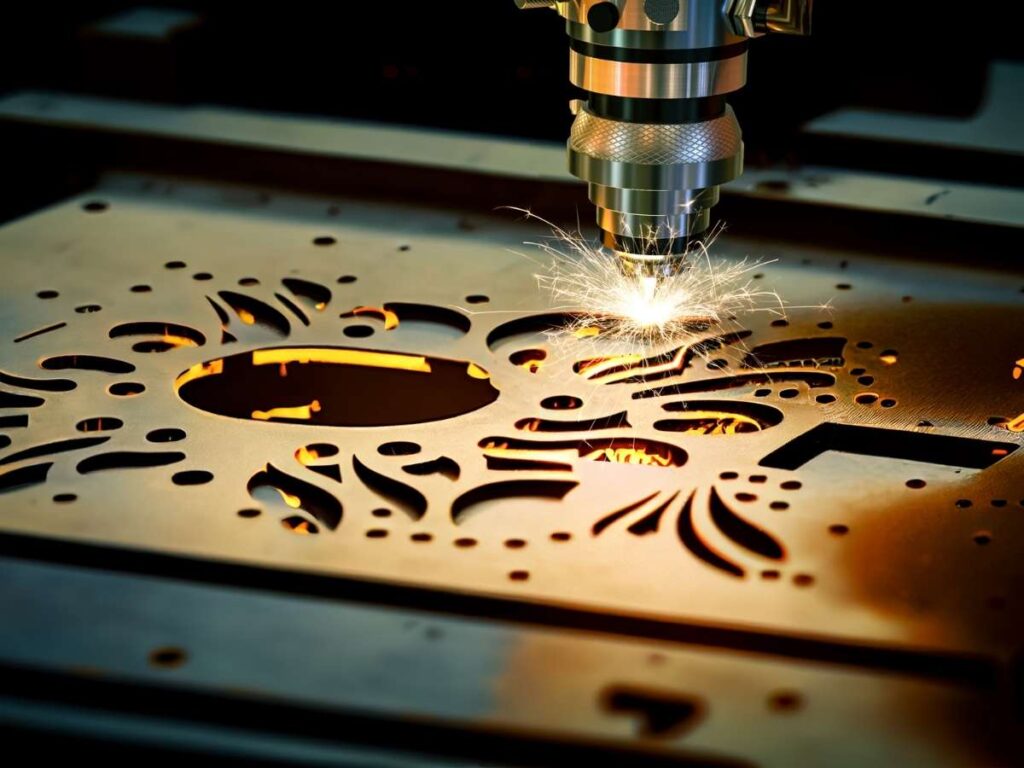
It has something called a narrow kerf. That’s the width of the cut. Because the laser is so thin, it doesn’t chew up as much material as other tools. Less waste, right from the start.
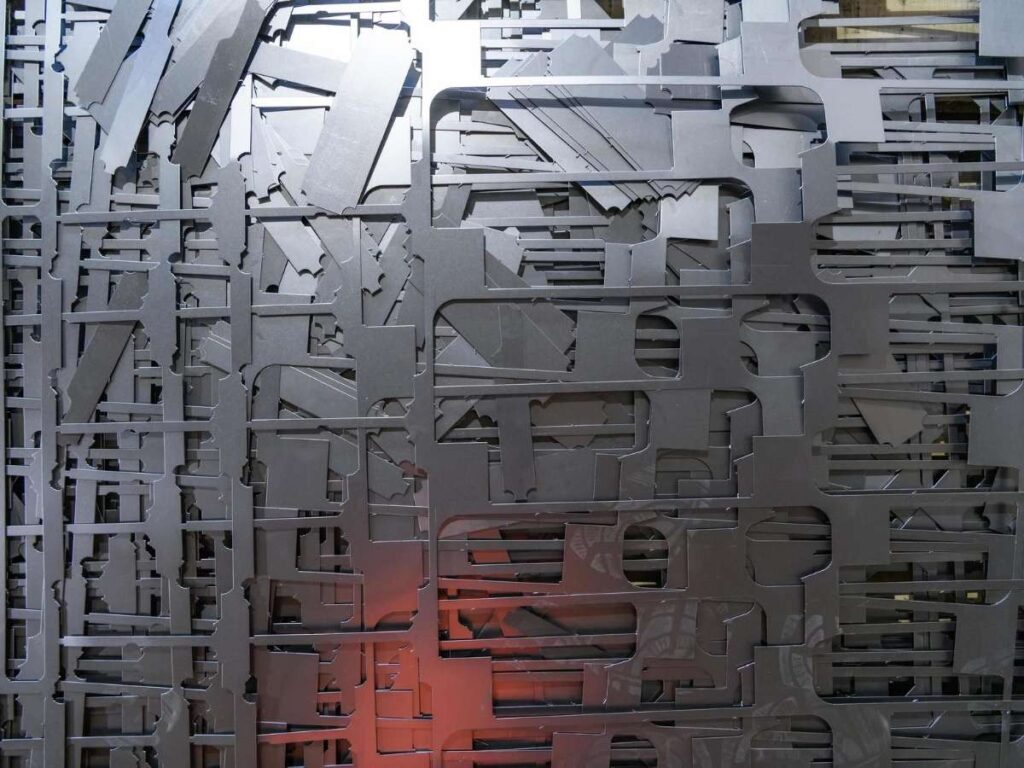
Then there’s the layout itself. Laser cutting uses CNC software to nest parts tightly together. Like a puzzle, the shapes are arranged to use as much of the sheet as possible.
I once compared two jobs—same parts, different methods. The laser-cut layout gave me more parts from each sheet. Less leftover. Less cleaning up. And I didn’t have to order as much material.
Better Material Utilization
With laser cutting, I started using more of what I paid for. It helped me:
- Cut down on scrap
- Lower my material costs
- Stop wasting time dealing with off-cuts
I used to accept waste as normal. Now I see it differently. If you’re paying for a full sheet, why throw half of it away?
3. Versatility Across Materials
I used to think you needed a different tool for every material. One machine for metal. A separate one for wood. Something else entirely for plastics or fabric.
It felt like too much to keep track of.
Then I saw how much a laser cutter could handle.
Cuts a Wide Range of Materials
Laser cutting works across a wide mix of materials. That means you can use the same machine for all kinds of jobs—without switching tools.
Here are some examples:
- Steel: up to 20 mm
- Aluminum: up to 10 mm
- Brass and Copper: up to 5 mm
- Acrylic: up to 25 mm
- Wood and MDF: up to 18 mm
- Paper and Cardboard: under 1 mm
- Fabrics and Leather: varies by texture, but most cut clean
Thick or thin, metal or non-metal, it handles all of it. That kind of range gives you more freedom, especially if your projects vary from week to week.
No Tool Change Required
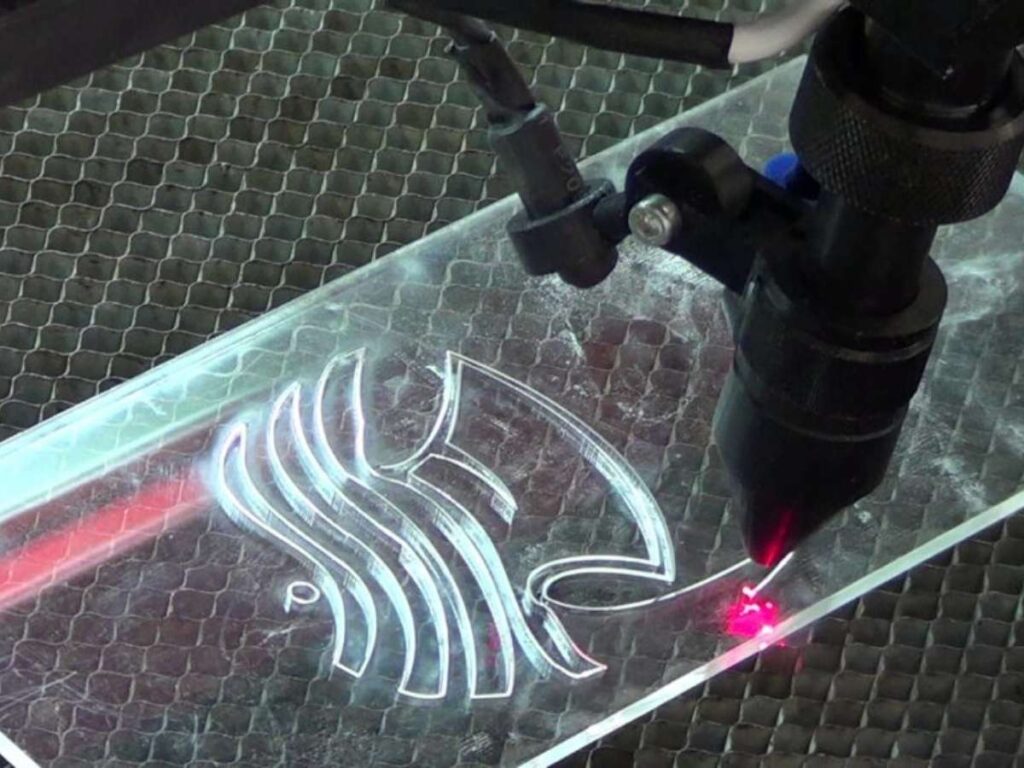
Laser cutters don’t need blades. They use a beam of light, which means no physical contact. So you can cut soft, coated, or even laminated materials without damage.
I’ve seen one machine go from cutting plywood to fabric with no downtime. No swapping out parts. No delays.
If your projects involve more than one material, this saves time and avoids extra setup. It’s one tool that fits right into a mixed-material workflow—without getting in your way.
4. Speed and Efficiency
People often think precise cutting has to be slow. I thought the same—until I saw how laser cutters handle both speed and detail without missing a beat.
Faster Cutting Operations
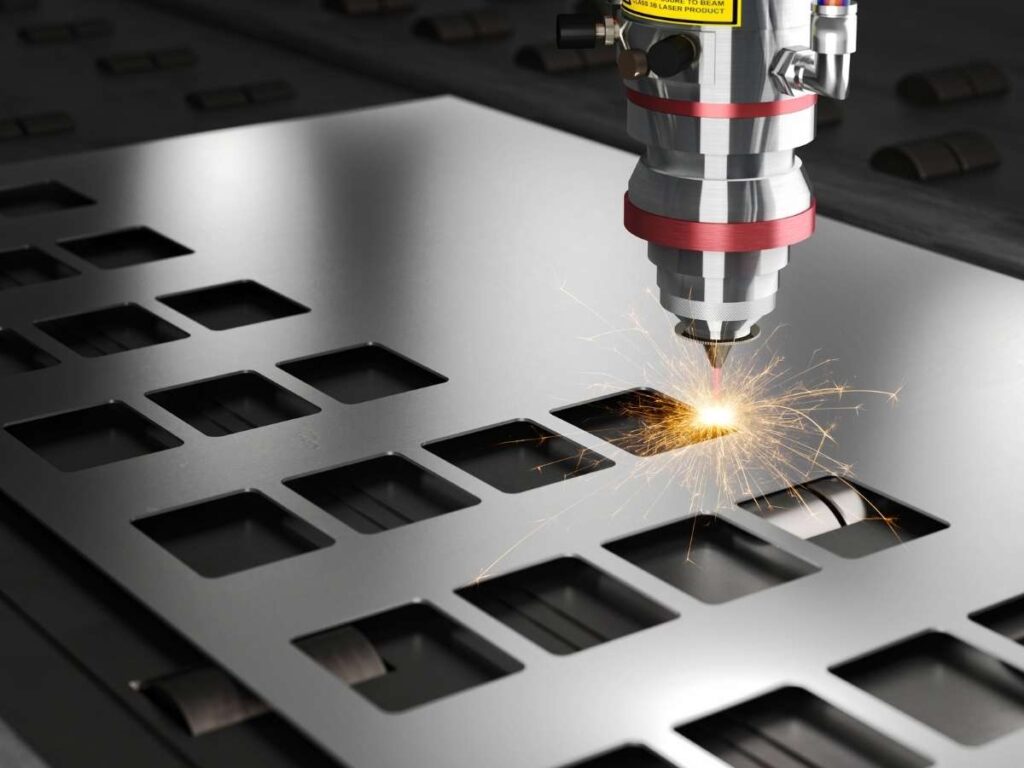
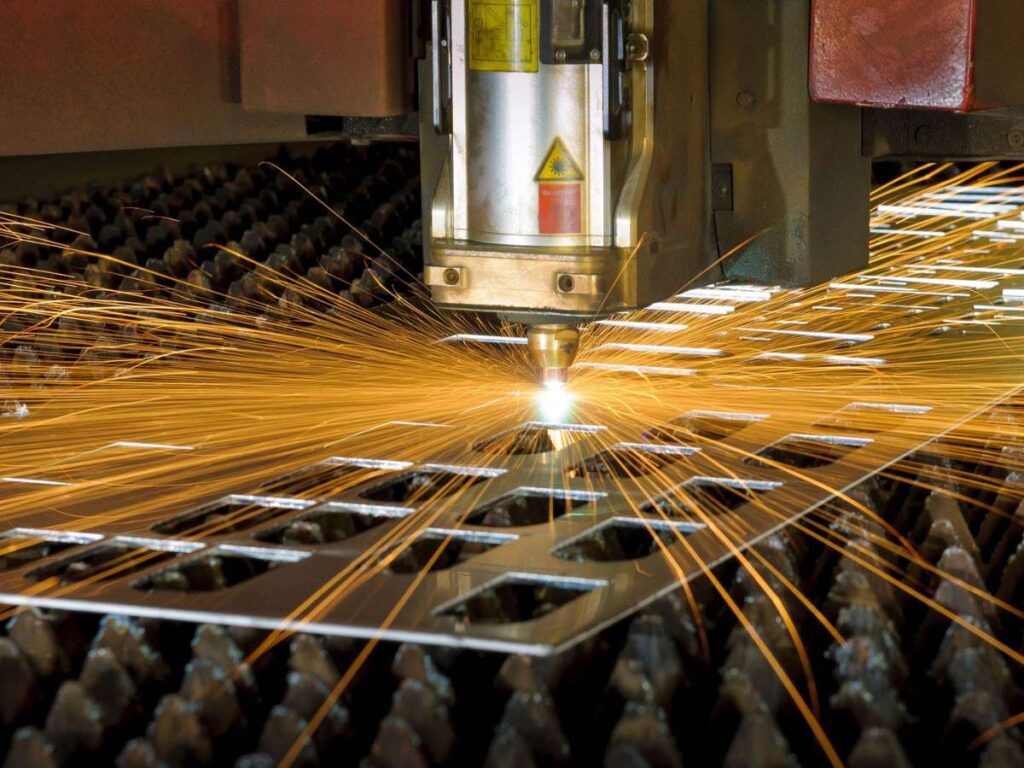
Laser cutting moves quickly. The beam follows the programmed path with high-speed motion and tight control. There’s no drag or friction like you get with a physical blade.
You also don’t need to clamp down every piece. The laser doesn’t push or pull the material, so setups are simpler. For small parts, the machine can cut everything in one continuous motion. No stopping. No shifting. Just a smooth cut from start to finish.
On one job, we compared cutting 3mm stainless steel. The mechanical saw ran at about 0.5 to 1 meter per minute. The laser? It finished the same job at 3 to 6 meters per minute. Same material, way less time.
That difference adds up fast—especially for larger orders or repeated batches.
Shorter Lead Times
Faster cutting means faster turnaround. I’ve used laser cutting for last-minute orders that needed to be done that same day. No delays waiting on setup, no extra labor moving pieces around.
If your schedule is tight or you’re working with customers who expect quick delivery, this kind of speed makes a big impact.
Laser cutting lets you stay on track without giving up on quality. It’s a win on both sides: clean cuts and faster results. And honestly, once I saw how much time I could save, I never wanted to go back.
5. No Tool Wear or Mechanical Contact
I used to spend a lot of time checking blades. On some jobs, we’d have to stop mid-way just to swap out a worn cutting edge. It slowed everything down and added extra steps we didn’t plan for.
Laser cutting changed that completely.
Non-Contact Cutting Advantages
Laser cutting doesn’t rely on a blade or bit. It uses a focused beam of light to cut through material. There’s no physical contact with the surface.
That means:
- No friction
- No tool pressure
- No blade to dull or break
Because nothing touches the material, the machine doesn’t wear out in the same way traditional tools do. You don’t need to stop to replace cutters or sharpen edges. The beam stays just as clean and sharp on the hundredth part as it was on the first.
I noticed this most on a long run of acrylic signs. With traditional tools, the edges would start looking rough toward the end. With the laser, every edge stayed smooth and clear.
Consistent Cut Quality
No mechanical contact also means the results stay consistent. You don’t get dips in quality because of tool damage or wear.
It also reduces downtime. No tool maintenance. Fewer surprises mid-job.
That kind of reliability makes a big difference. You can load a job, hit start, and trust that every part will come out clean.
Less babysitting. Less stress. And no more digging through drawers for backup blades.
6. Clean Edges and Reduced Finishing Time
Finishing used to take more time than cutting. After every job, I’d spend hours sanding, deburring, or trying to fix rough spots just to make the parts look good. It was frustrating and easy to underestimate when planning a timeline.
Laser cutting helped change that.
Smooth, Burr-Free Edges
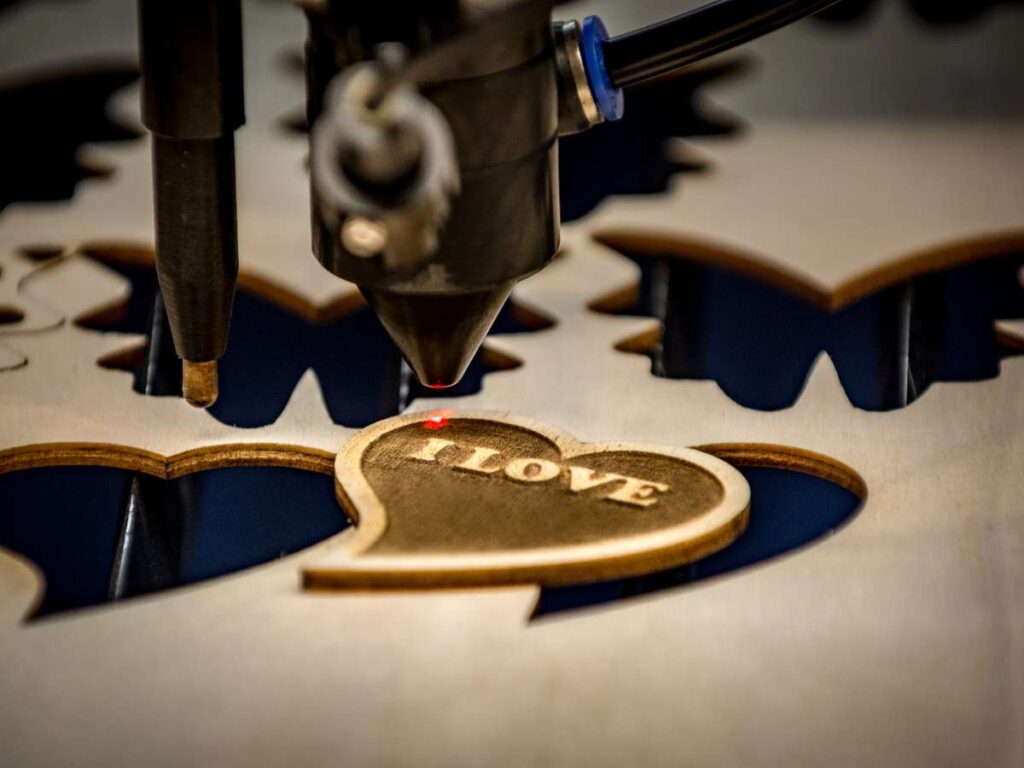
Laser cutting gives you a clean edge right from the start. The beam melts or vaporizes the material, so there’s little to no physical tearing. That means fewer burrs—those sharp, unwanted ridges on cut metal.
On metal parts, I’ve gotten edges that didn’t need any touch-up at all. Just wipe them down and they’re good to go.
Plastics and acrylics come out even better. The laser actually seals the edge as it cuts. You get a smooth, glossy finish with no cracks or chips.
Wood parts cut with a laser don’t need sanding unless you’re after a very soft surface. The cuts are sharp, and the lines are clean.
Saves Time on Post-Processing
With traditional tools, most of my time went into fixing the cut—filing, grinding, sanding, polishing. With laser cutting, that time drops way down.
Here’s what you skip:
- Heavy deburring on metal
- Edge smoothing for acrylic signs
- Sanding splintered cuts on wood
If you’re working on a job with a tight schedule or high visual standards, this makes a huge difference.
I’ve delivered parts straight off the laser that were ready to pack. No extra cleanup. Just clean, finished results. That kind of time savings adds up fast.
7. Easy Prototyping with Digital Integration
Prototyping can be frustrating. An idea looks great on paper, but once it’s sent out for cutting, the waiting begins. If the part comes back wrong, the whole thing has to start over. One small change can take days to test.
That’s where laser cutting helps.
Direct-from-File Workflow
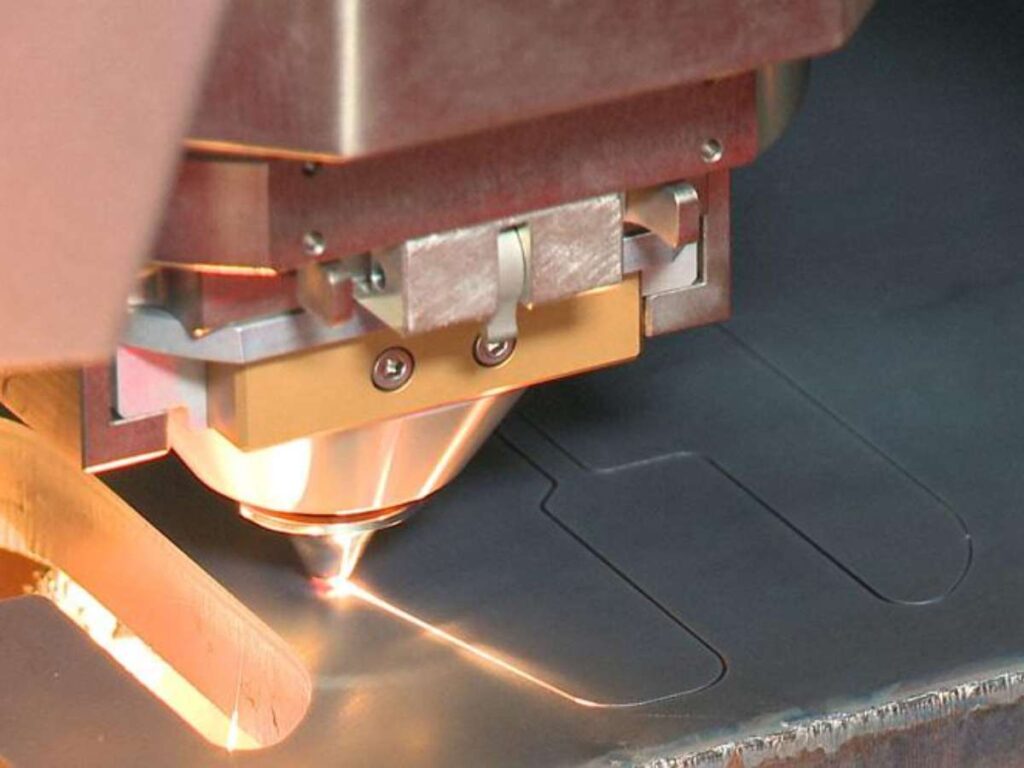
Laser cutters work directly from digital files. No need for tooling or custom molds. Just create the design and send it to the machine.
Most machines accept common file types:
- DXF
- DWG
- AI
- SVG
These come from design programs like AutoCAD, Adobe Illustrator, Fusion 360, and others.
Once the file is ready, it’s uploaded to the laser software. The machine reads the lines and cuts them just as they appear. It’s simple and accurate. No extra steps. No delays.
The whole process feels like printing—but for real, working parts.
Fast Iteration Cycles
Making small design changes is quick. Want to shift a hole or test a different shape? Just update the file, export it again, and send it back to the machine.
Several design versions can be tested in a single afternoon. This is helpful when fine-tuning details or making parts that need to fit just right.
Projects move faster, and there’s more room to try new ideas without wasting time or material.
Prototyping feels less like waiting and more like building. The kind of workflow that keeps things moving—and keeps ideas alive.
8. Scalability for Small and Large Production Runs
Sometimes I’m working on a one-off part, just to test an idea. Other times, I need hundreds for a full build. It used to feel like I had to pick between methods—one for small runs, another for big jobs.
But laser cutting works for both, and that’s made the whole process way easier.
Adapts to Varying Volumes
Whether it’s a custom one-off or a full production batch, laser cutting handles both without skipping a beat.
The quality stays the same from the first part to the last. That consistency really stands out when every part needs to fit or look just right.
Small jobs are simple to set up. No long prep time. No complex tooling. Large jobs benefit from the speed and repeatability that laser machines are known for.
At MachMaster, this kind of flexibility is used every day. Some clients need just a few precision brackets. Others come back with high-volume repeat orders. Both get the same level of quality and attention.
Start small. Scale up later. The process stays smooth either way.
Flexible Production Planning
Traditional methods often need dies or stamps. Those take time and money to make. And once they’re built, changing anything gets expensive.
Laser cutting doesn’t work like that.
There’s no hard tooling. Just a digital file and a machine. That means:
- You can change the design anytime
- You don’t pay extra for switching between jobs
- Repeat orders are easy to re-run
This helps with planning too. Run a small batch first. Test it. Then decide if you want to produce more.
Projects don’t have to be locked into one volume. The setup works for where you are—and where you’re going.
Laser cutting gives you room to experiment and grow without having to change your whole process.
That kind of flexibility makes a big difference, whether you’re making one part or one thousand.
Conclusion
You’ve just seen 8 ways laser cutting makes your work easier—and better.
I’ve used it to save time, cut costs, and avoid the same headaches you’re probably facing.
No tooling delays. No rough edges. No guesswork.
Now, you have the full picture. What you do with it is up to you.
What’s one job laser cutting could improve right now?
Contact us today. We can help you with your next project.
More Guides and Tips to Explore
We’ve got more for you! These articles provide more tips and guidance to keep you on track:
Still haven’t found what you’re looking for? Don’t hesitate to contact us. We’re available around the clock to assist you.