
You’ve got a product idea, a CAD file, and maybe even investor pressure building but you’re stuck on one big question:
How do you make a prototype that actually works?
I’ve been there.
A few years ago, I had to build a working sample of a part that needed tight tolerances. I thought about 3D printing. I looked at urethane casting. But nothing gave me the confidence that the end result would hold up under testing.
Then I tried CNC machining.
It wasn’t perfect right away. I made mistakes. Spent more than I needed to. But the results? They helped me land my first real customer.
This article is written for you if you’re weighing your options and wondering if CNC machining is the right tool for your prototype. I’ll explain what CNC prototyping really offers, where it shines, and where it might fall short.
By the end, you’ll have the clarity to decide whether this method fits your part, your timeline, and your budget.
So let’s start!
1. What Is CNC Machining Prototyping?
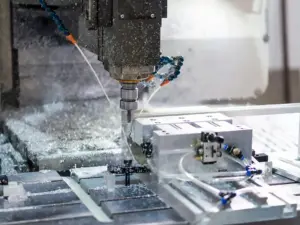
CNC stands for Computer Numerical Control. It’s a process that uses pre-programmed computer software to control machines like mills, lathes, or routers. These machines cut, drill, or shape materials with extreme accuracy.
When you hear “CNC machining prototyping,” it means using these machines to make early versions of a part or product usually for testing. Not just to look at. But to use, handle, and push to its limits.
I didn’t fully appreciate CNC prototyping until I needed a prototype that actually functioned. The 3D print looked good. But once I tested it under load, it cracked. That’s when I realized something: looks aren’t enough. If your prototype needs to work, you need something stronger. Something made from real material.
That’s where CNC shines.
You feed in your CAD design. The machine follows your exact specs. The result? A part that behaves like the final version.
CNC machining is best for:
- Functional testing
- Tight tolerances (meaning little room for error)
- Real-world materials like aluminum, steel, or hard plastics
But there are trade-offs.
If your prototype is purely visual just for show CNC may be too expensive or too complex. It also struggles with very soft or flexible materials. And setup can take time, especially for one-off parts.
So ask yourself:
- Do I need to test the part in real-world conditions?
- Will this prototype go through stress, movement, or wear?
If yes, CNC machining could be the right call.
2. How CNC Prototyping Works
So, how does CNC machining actually turn your idea into a real part?
If you’ve never been through the process, it might seem a bit technical. But don’t worry—once you break it down, it’s easy to follow. The steps are clear, and knowing what happens behind the scenes helps you stay in control of your project.
Let’s walk through it together.
- Step#1 Submit your CAD file
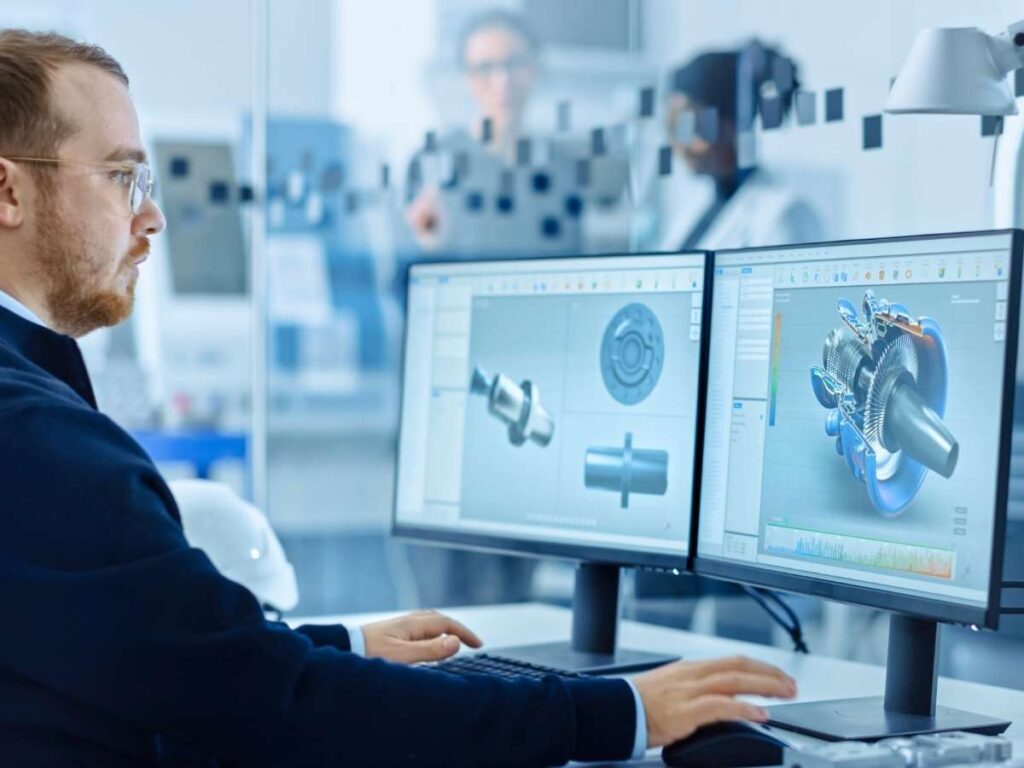
This is where everything starts. You create your part in CAD (Computer-Aided Design) software, then send the file to the shop. Most machine shops prefer formats like STEP or IGES. These files help the CNC machine understand the exact shape, size, and features of your part.
- Step#2 Engineer reviews your design
Before the machine starts cutting, an engineer looks over your file. This is called a Design for Machining review. They check if your part can be made with CNC tools. If there are undercuts, thin walls, or hard-to-reach areas, they might suggest edits.
I’ve had designs sent back with notes like, “Tool won’t fit in this slot” or “This wall may break during milling.” It’s not criticism—it’s collaboration. They want to help you avoid surprises.
- Step#3 CNC machine cuts your part
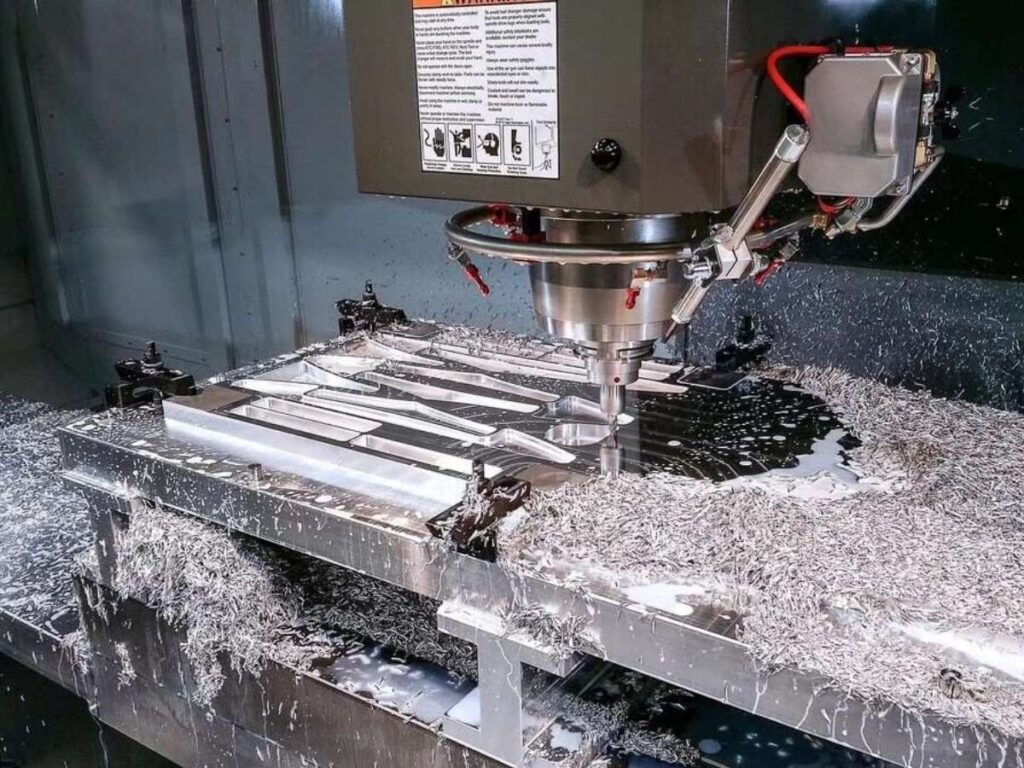
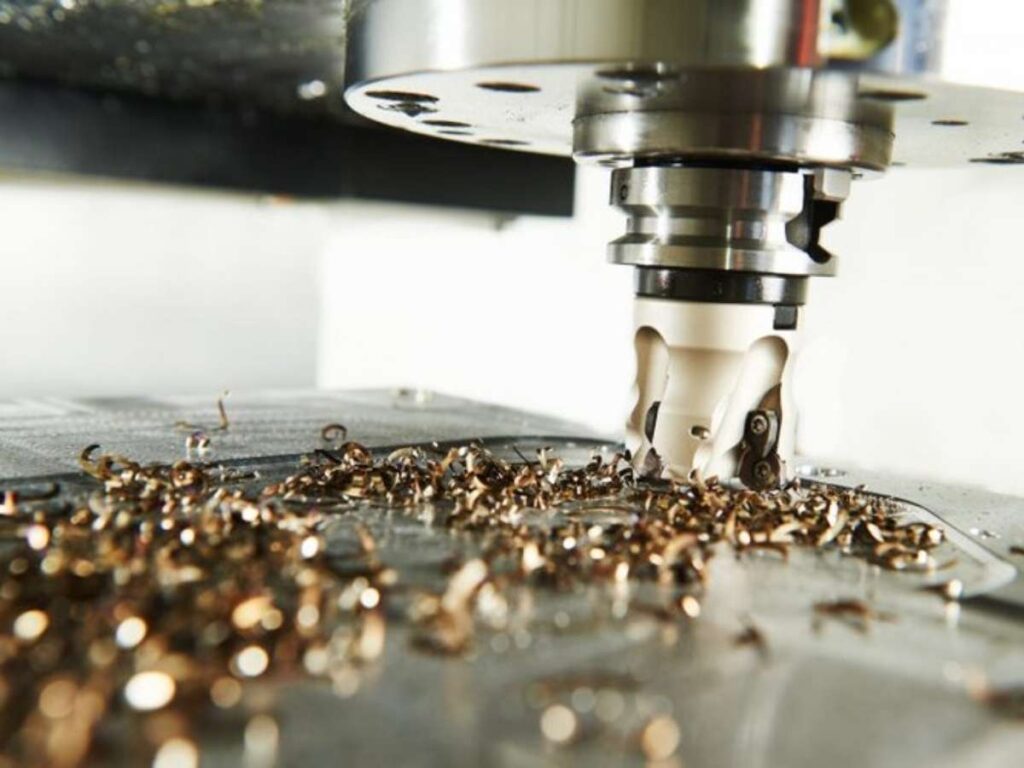
Once the design is ready, the machine gets to work. CNC machining is a subtractive process. That means it starts with a solid block of material—metal or plastic—and cuts away anything that isn’t part of the final shape.
Watching it work is satisfying. Chips fly. Coolant sprays. It’s precise and powerful.
- Step#4 The part gets cleaned, inspected, and shipped
After machining, the part goes through finishing steps. It’s cleaned, maybe deburred (sharp edges removed), then checked for accuracy. If it passes inspection, it’s packed and shipped to you.
You open the box, hold it in your hand—and your idea is real.
3. Key Benefits of CNC Machining for Prototypes
Now that you know how the process works, you’re probably wondering:
What makes CNC machining worth it for a prototype?
I asked myself that exact question when I had to test a housing unit for a mechanical product. I needed something strong. Something I could bolt in place, stress test, and trust.
Turns out, CNC offered exactly what I needed.
Let’s look at the main benefits that make CNC a smart choice for functional prototypes.
Dimensional Accuracy
Do you need your parts to fit perfectly? CNC delivers tight tolerances—often ±0.01 mm or better.
That level of precision means:
- Your prototype matches your CAD file almost exactly
- You can test how parts fit together
- You can validate engineering assumptions before full production
If you’re building assemblies or fitting parts inside one another, accuracy like this makes a big difference.
I once had a plastic part made that didn’t quite line up with the metal frame it was going into. A small misalignment threw off the whole building. CNC helped fix that fast.
Material Variety
CNC works with a wide range of materials. You can pick what matches your final product.
Common metals:
- Aluminum
- Stainless steel
- Brass
- Titanium
Common plastics:
- ABS
- Delrin (also known as POM)
- Nylon
- PTFE
And if you’re looking for a supplier who works with all of these materials—MachMaster has you covered.
We offer CNC machining with tight tolerances, a wide range of metals and plastics, and ISO 9001-certified quality to keep your parts consistent from prototype to production.
Speed
Once your design is approved and programmed, the machine works fast.
CNC is a great choice if you need:
- One working prototype
- Or a small batch of 2 to 10 parts
I’ve received CNC parts in under a week, which helped keep my projects on track.
Surface Finish
CNC parts come out smooth. Most are ready for testing right away.
Need a nicer look? You can:
- Anodize aluminum
- Bead blasts the surface
- Or apply paint if needed
So, if your prototype has to look good for a meeting or function under pressure, CNC gives you both.
4. Types of CNC Machines Used for Prototypes
So far, we’ve talked about what CNC prototyping is and why it’s useful. But how your part gets made depends on the type of CNC machine used.
Each machine works a little differently. Some are better for flat, blocky shapes. Others are made for round parts, or parts with tight, complex features.
Let’s go over the main types you might come across.
CNC Milling
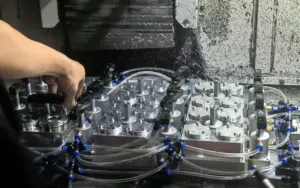
This is one of the most common machines used for prototypes. It works by spinning a cutting tool and moving it across a solid block of material. The machine can move in multiple directions to cut different shapes.
You’ll often hear terms like:
- 2-axis: Moves in X and Y directions
- 3-axis: Adds vertical movement (Z)
- 5-axis: Can tilt and rotate to reach complex angles
If your part is flat, boxy, or has pockets, holes, or slots, milling is usually the way to go.
I’ve had brackets, housings, and even test fixtures milled this way. The results were sharp and clean.
CNC Turning
CNC turning is used for cylindrical parts. It spins the material while a cutting tool shapes it from the side.
This process is perfect for:
- Shafts
- Pins
- Threaded parts
- Bushings
If your part is round and symmetrical, turning will likely be faster and cheaper than milling.
Swiss Lathe
This is a special type of turning machine. It’s designed for very small, highly detailed parts—like those used in medical devices or electronics.
Swiss lathes offer high precision and tight tolerances. If you’re working on tiny parts that can’t afford even the slightest error, this machine could be the best option.
Choosing the right machine depends on what your part looks like and what it needs to do.
5. CNC Machining Lead Times and Cost
Now that you know what machines are used, let’s talk about two things most people ask next:
- How long will it take?
- And how much will it cost?
CNC prototyping isn’t the cheapest method out there. But when you need high precision and real-world performance, it often pays off.
Still, it helps to understand what affects the timeline and the price tag.
Cost Drivers
I remember sending out a part design and getting quotes that were all over the place. At first, I didn’t get why the costs varied so much. But over time, I learned what shops look at.
Here’s what usually affects cost:
- Material type: Aluminum is often the cheapest. Stainless steel, brass, and titanium tend to cost more—both in raw material and machining time.
- Part size and complexity: A small cube with a few holes costs much less than a curved, multi-step bracket with undercuts.
- Tolerances and post-processing: The tighter the tolerance, the slower the cut. Add bead blasting or anodizing, and it bumps up the total.
- Quantity: One part takes more setup time per unit than a batch of ten. So small runs often cost more per piece.
As a rough idea:
- A simple aluminum part might start at around $50–$100
- A more complex part with finishing could run $200–$500 or more
Again, pricing varies by shop, region, and urgency.
Typical Lead Times
CNC is fast—but not instant. Once your file is approved, lead time depends on how busy the shop is and how complex your part is.
- 3–5 working days: For simple, small parts
- 7–10 days: For complex shapes or added finishes
Need it faster? Some shops offer rush services, but they charge extra.
Getting a clear quote and lead time upfront helps avoid surprises.
6. CNC vs Other Prototyping Methods
So, how does CNC machining compare to other ways of making prototypes?
If you’re trying to choose the right method, it helps to look at what each one does best. Different tools solve different problems. I’ve used all three—CNC, 3D printing, and injection molding—and each one had its place, depending on what I needed.
Let’s break it down in the table below:
| Method | Best For | How It Works | Material Options | Strength & Finish | Speed & Cost |
| CNC Machining | – Functional prototypes – Tight tolerances – Small production runs | Subtractive: cuts material from a solid block | – Metals: Aluminum, Stainless Steel, Brass, Titanium – Plastics: ABS, POM (Delrin), Nylon, PTFE | Strong and smooth Great for fit testing and stress | – Fast for 1–50 pcs – No tooling cost – Higher per-unit cost |
| 3D Printing | – Visual models – Complex shapes and internal features | Additive: builds part layer by layer | – Mostly plastics (PLA, ABS, PETG, resin) | Weaker, rougher finish Not ideal for real-world stress | – Fast for concept models – Low material cost – Limited for function |
| Injection Molding | – High-volume production (1000+ units) | Molten plastic injected into a mold | – Wide variety of plastics (same as final product) | High quality and repeatable finish | – High upfront mold cost – Slow to start – Very low per-unit cost at scale |
7. Mistakes to Avoid in CNC Prototyping
Now that you’ve seen the benefits, costs, and comparisons, let’s talk about something just as important: What can go wrong?
I’ve made plenty of mistakes in early prototypes. Some were small. Others cost time and money. If you’re new to CNC, knowing what to avoid can save you a lot of frustration.
Let’s look at the most common errors and how to stay clear of them.
Common Errors
These are things I’ve either done myself or seen others run into:
- Sending STL files: These are great for 3D printing but not for CNC machining. CNC shops need STEP or IGES files to understand the full shape and geometry. STL files don’t include precise surface data.
- Overdesigning the part: You might be tempted to add every detail to your prototype. Fancy grooves. Internal features. Tiny fillets. But early prototypes don’t need every cosmetic touch.
- Requesting unnecessary surface finishes: Polished, anodized, bead-blasted… they all sound nice. But do you really need them? Every finish adds time and cost. Save them for the final version.
- Choosing exotic materials: It’s easy to get carried away. Titanium might sound cool, but is it really needed for your test part? Stick to simple, affordable materials unless performance demands otherwise.
How to Avoid Them
Here’s what helped me:
- Talk to your machinist early: A five-minute chat can save you days. They’ll flag features that are hard to machine or suggest easier alternatives.
- Ask for DFM feedback: DFM means Design for Machining. Many shops will give feedback for free—just ask before placing the order.
- Focus on function first: Your prototype doesn’t need to look perfect. It needs to work. Save aesthetics for later.
Avoiding these mistakes will make your prototyping process smoother, faster, and cheaper.
8. Tips for Choosing the Right CNC Supplier for Prototypes
Picking the right CNC supplier isn’t just about price. It’s about trust. And getting a part that actually works on time.
I’ve worked with suppliers who got everything right: fast communication, clean machining, no surprises. I’ve also dealt with ones who vanished halfway through or delivered parts that didn’t fit.
If you’re a product developer or procurement professional, these tips will help you choose better and avoid the pain I went through.
Key Questions to Ask
Start with the basics. These questions will give you a quick sense of whether the shop is a good fit:
- Have you machined this material before? Not all shops work with every material. Aluminum is common. Titanium, not so much.
- Can you meet my tolerance specs? Share your drawings early. If the shop can’t confirm your specs, that’s a red flag.
- What’s your lead time for prototypes? Some shops take weeks. Others turn things around in a few days. Make sure their timeline matches yours.
- Can I see sample work or case studies? A good supplier should be proud of their past projects. Ask for photos, part samples, or a client’s story.
Certifications to Consider
Certifications show that a supplier follows processes and quality checks. They’re not required for every project—but they help.
- ISO 9001: Common for general manufacturing and quality control
- AS9100: Needed in aerospace
- Medical-grade standards: Required for health and life science applications
If you’re still building your shortlist of suppliers, it helps to work with someone who can cover everything in one place. MachMaster is ISO 9001 certified and supports full-service CNC machining, plastic molding, and finishing serving over 500 global customers across electronics, medical, and automation.
Communication and Responsiveness
Don’t overlook this. A shop that replies late before the order won’t be faster after you’ve paid.
Look for:
- Fast, clear replies
- Willingness to explain technical issues
- A point of contact who stays with your project
I’ve had suppliers ghost me halfway through production. That’s a headache you don’t want.
In-House vs Outsourced Work
Ask what they do themselves and what they send out. Many shops outsource finishing steps like anodizing, painting, or powder coating.
Ask:
- Which steps are handled in-house?
- Do you use local partners for finishing?
Outsourcing isn’t always bad. But it can delay delivery or create mix-ups. Better to know upfront.
Tooling and Machine Capabilities
Every shop has different machines. Some use older 3-axis mills. Others have newer 5-axis equipment or Swiss lathes.
Ask about:
- Maximum part size
- Machine types they use
- Experience with small or complex parts
A supplier with the right tools will get better results and often faster.
Order Flexibility and Minimums
You may still be refining your design. Or testing one version before making more.
Ask:
- Do you have a minimum order quantity?
- Can I adjust the design mid-way if needed?
Some suppliers are rigid. Others understand that prototypes evolve. The flexible ones are easier to work with.
The right CNC supplier doesn’t just deliver a part they support your whole process.
Conclusion
You came here wondering if CNC machining is right for your prototype.
Now you’ve got answers:
- What the process looks like
- When CNC makes sense
- How it compares to other options
- And how to avoid expensive mistakes
I’ve been where you are. Unsure. Second-guessing. Waiting.
But real progress started when I built the part—not just imagined it.
So what’s your next move?
Will you wait? Or will you turn that sketch into something real?
Let’s help you get there. Contact us today.
Explore More Helpful Resources
There’s more to explore! Check out our additional product selections to find exactly what you’re looking for:
Still haven’t found what you’re looking for? Don’t hesitate to contact us. We’re available around the clock to assist you.